What is ‘FOREX MARKUP / CROSS CURRENCY’ on my bank statement?
This is a fee charged by your card-issuing bank for an international or cross-currency transaction. It is calculated on the total amount after currency conversion.
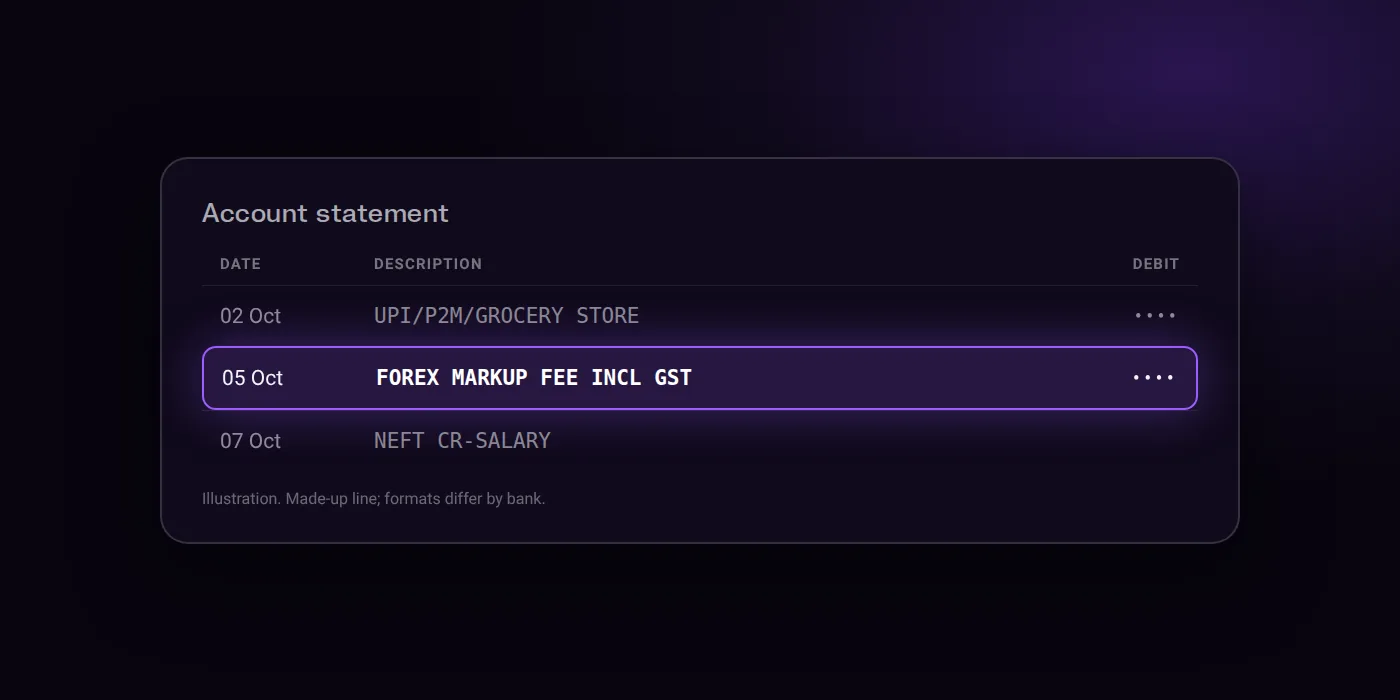
How it can look (made-up examples)
FOREX MARKUP FEE INCL GSTCROSS CURRENCY MARKUP 3.5%INTL TXN FEE-USD
What it is
A foreign transaction fee or forex markup applied to international or cross-currency card transactions, calculated on the transaction value after currency conversion.
Who charged you
Your card-issuing bank, which applies the markup fee to the converted transaction amount.
How to find out what it was
- Identify whether the transaction was an overseas POS transaction, an overseas ATM cash withdrawal, or an e-commerce purchase on a global website.
- Check if the billing currency differs from the base currency of your card.
Is it recurring? How to stop it
- Always opt to pay in the local currency of the destination rather than home/billing currency to avoid excessive surcharges and dynamic currency conversion fees.
- When withdrawing cash from an overseas ATM, select 'Accept without currency conversion' or choose 'No' when asked to convert to your billing currency to avoid extra charges.
Step-by-step guides:
What it costs
Charges differ by bank and change over time. What the sources say:
- ICICI Bank: Forex Markup fee of 3.5% + GST for credit card transactions (with exceptions: 2% for Emeralde cards, 0.99% for MakeMyTrip card, and 1.49% for Times Black card).
- ICICI Bank: Cross Currency Fee of 3.5% + GST applicable across all transaction types on Forex Prepaid Cards.
- ICICI Bank: Foreign currency transactions mark-up fee of 3.5% of transaction amount on debit cards.
- ICICI Bank: DCC mark-up fee on debit cards of 1% plus GST until June 21, 2026, and 3.50% plus GST thereafter.
Your own bank’s schedule of charges has the current figure.
Think this charge is fraud?
- Block it now in your bank app: freeze the card, or turn off the UPI ID or mandate that was used.
- Tell your bank straight away, through the app, net banking or its customer care, so the transaction is on record.
- Report the fraud: call the national cyber fraud helpline 1930, or file a complaint at cybercrime.gov.in.
Good to know
- Customer-initiated refunds on foreign currency credit card transactions also incur the 3.5% markup fee.
- The currency conversion rate is applied on the date the transaction settles with the bank, which may differ from the transaction date.
- The bank disclaims liability for refunding Dynamic Currency Conversion charges since they are confirmed directly by the customer.
Questions people ask
Why did my bank charge a forex markup fee?
Your card-issuing bank charges this fee whenever you use your card for an international transaction. It applies to overseas in-store payments, overseas ATM withdrawals, and online purchases where the billing currency differs from your card currency.
How much is the forex markup fee?
The rate depends on your bank and card type. On ICICI Bank, credit cards typically charge 3.5% plus GST, with lower rates of 0.99% to 2% on specific cards, while debit cards charge 3.5% and forex prepaid cards charge 3.5% plus GST.
What is a DCC markup fee?
Dynamic Currency Conversion applies when an overseas merchant or ATM converts the bill into your home currency at checkout. On ICICI Bank debit cards, the DCC markup fee is 1% plus GST until June 21, 2026, and 3.50% plus GST thereafter.
How can I avoid extra currency charges?
Always opt to pay in the local currency of the destination rather than your home billing currency. When withdrawing cash from an overseas ATM, select 'Accept without currency conversion' or choose 'No' when asked to convert.
Can I get the forex markup fee refunded?
Banks disclaim liability for refunding Dynamic Currency Conversion charges because they are confirmed directly by the customer at payment. For ICICI Bank foreign currency credit card transactions, customer-initiated refunds still incur the 3.5% markup fee.
Last checked on against icicibank.com, icicibank.com, icicibank.com (official). Statement formats differ by bank; the examples above are made up to show the shape.