How to cancel subscriptions on the Apple App Store
To cancel an App Store subscription, open Settings, tap your name, choose Subscriptions, select the plan, and tap Cancel Subscription. You can also manage it online through Apple Account settings.
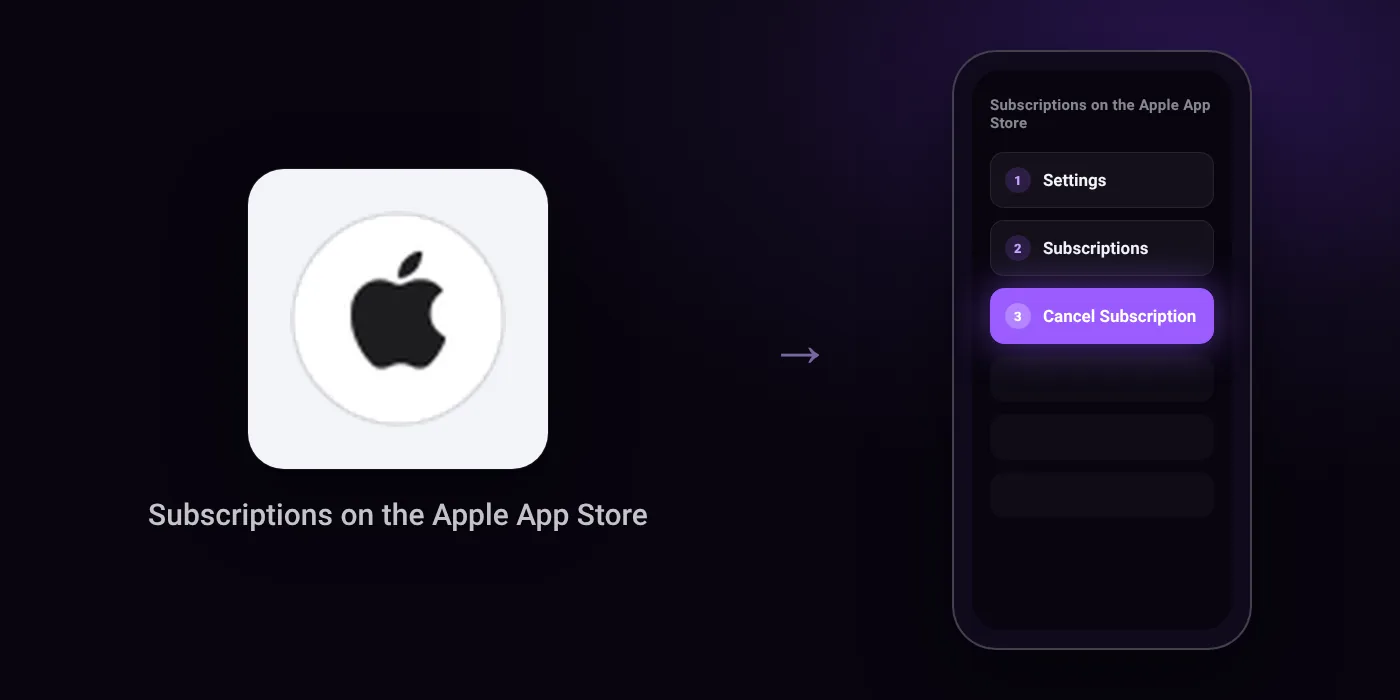
Quick path
- Settings
- Subscriptions
- Cancel Subscription
Steps to cancel subscriptions on the Apple App Store
- In Settings, tap your name.
- Tap Subscriptions.
- Tap the subscription.
- Tap Cancel Subscription.
In the app
Settings > Subscriptions > Cancel Subscription
Before you cancel
- Free trial: Cancel at least 24 hours before the trial ends if you do not want to renew it.
- If there is no Cancel button or you see an expiry message in red text, the subscription has already been cancelled.
- You cannot cancel a family member's subscription; ask the family member whose Apple Account appears on the receipt to cancel it.
- If you received the subscription through your wireless network operator or other provider, you must contact them for support.
Questions people ask
Does deleting the app cancel my App Store subscription?
No. Removing the app from your device does not stop renewals. You must go to Settings, tap your name, open Subscriptions, and cancel it there.
Why is there no Cancel button for my subscription?
If there is no Cancel button or you see an expiry date in red text, the subscription has already been cancelled. It will stop at the end of the current billing cycle.
How do I avoid getting charged when a free trial ends?
Cancel at least 24 hours before the trial ends. If you cancel later, Apple will renew the plan automatically.
Can I cancel a subscription shared through Family Sharing?
No. You cannot cancel a family member's subscription from your device. The family member whose Apple Account appears on the purchase receipt must cancel it.
Can I stop an App Store subscription from my bank app or network provider?
Apple subscriptions are managed under your Apple Account, not through your bank app. However, if you received the subscription through your wireless network operator or another provider, you must contact that provider to cancel.
Last checked on against support.apple.com (official). Apps change their menus; if a step looks different, the option is usually nearby.