How to cancel JioHotstar subscription and autopay
To cancel JioHotstar autopay, go to My Space, select Help & Settings, open Account Settings, and tap Cancel Auto renewal. Deleting the app or your account does not stop recurring charges billed through third-party platforms.
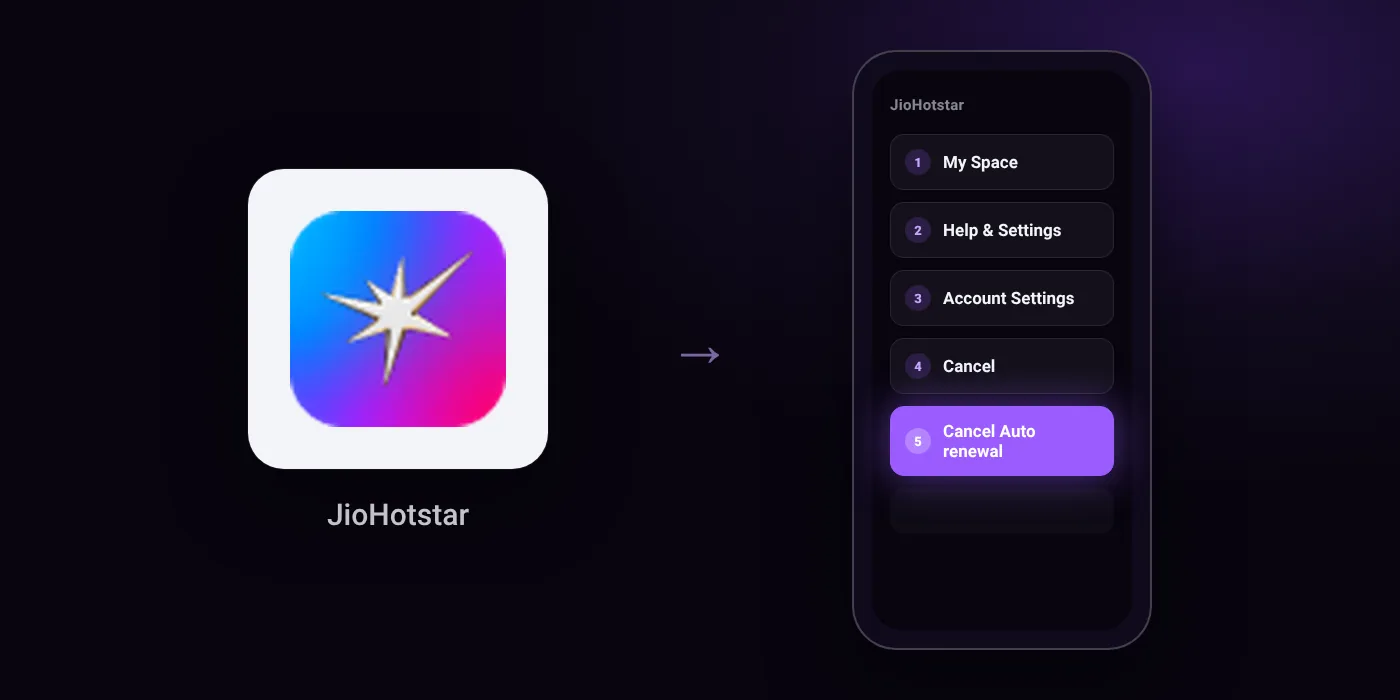
Quick path
- My Space
- Help & Settings
- Account Settings
- Cancel
- Cancel Auto renewal
Steps to cancel JioHotstar
- Click ‘My Space’.
- Click on ‘Help & Settings’.
- Click on ‘Account Settings’ (or ‘Subscriptions & Devices’ on the browser).
- Click on ‘Cancel’.
- Click on ‘Cancel Auto renewal’ on the pop-up displaying your subscription validity.
In the app
My Space > Help & Settings > Account Settings
Before you cancel
- Refunds: All plans are non-refundable, and cancellation does not lead to a refund. Access remains active until the end of the current billing period.
- All plans purchased via iTunes can only be cancelled via an iOS device or iTunes Account.
- Subscriptions purchased or redeemed via Netbanking, Gift Cards, Partner Coupons, or Partner Recharges do not require cancellation and expire automatically.
- Deleting your JioHotstar account will not cancel recurring payments purchased through Apple/Google In-App Purchase or local partners; you must cancel directly with them first.
Paid through UPI AutoPay? Cancel the mandate too
Cancelling JioHotstar ends the membership. If you paid with UPI AutoPay, the mandate that lets JioHotstar debit your account is separate, and it lives in the UPI app you approved it in. Open that app’s AutoPay list and cancel the JioHotstar mandate as well.
- Cancel JioHotstar autopay in PhonePe
- Cancel JioHotstar autopay in Google Pay
- Cancel JioHotstar autopay in Paytm
- Cancel JioHotstar autopay in BHIM
- Cancel JioHotstar autopay in Amazon Pay
Paid by card instead? See how to cancel recurring payments on a card.
Questions people ask
Can I get a refund after cancelling my JioHotstar subscription?
No. All plans are non-refundable, and cancelling does not initiate a refund. You will retain access until the end of your current billing period.
Does deleting my JioHotstar account cancel autopay?
No. Deleting your account does not stop recurring billing from Apple, Google In-App Purchase, or local partners. You must cancel directly with that platform or partner first.
How do I stop the JioHotstar UPI AutoPay mandate?
Cancelling the subscription in the app and removing the mandate are separate steps. To ensure no further debits occur, open your UPI or bank app and revoke the active JioHotstar mandate directly.
How do I cancel if I subscribed through an iPhone or iTunes?
You must cancel through your iOS device or iTunes Account settings. JioHotstar cannot cancel plans billed through Apple directly in the app.
Do I need to cancel if I paid using Netbanking or a recharge coupon?
No. Subscriptions paid via Netbanking, gift cards, partner coupons, or partner recharges do not auto-renew and expire automatically.
Last checked on against help.hotstar.com (official), help.hotstar.com (official). Apps change their menus; if a step looks different, the option is usually nearby.