How to cancel Spotify Premium subscription and autopay
To cancel your Spotify Premium membership, log into your account in a web browser, select Change plan under Manage your plan, and click Cancel Premium. This stops your subscription, though you should also remove any active UPI AutoPay mandate in your bank app.
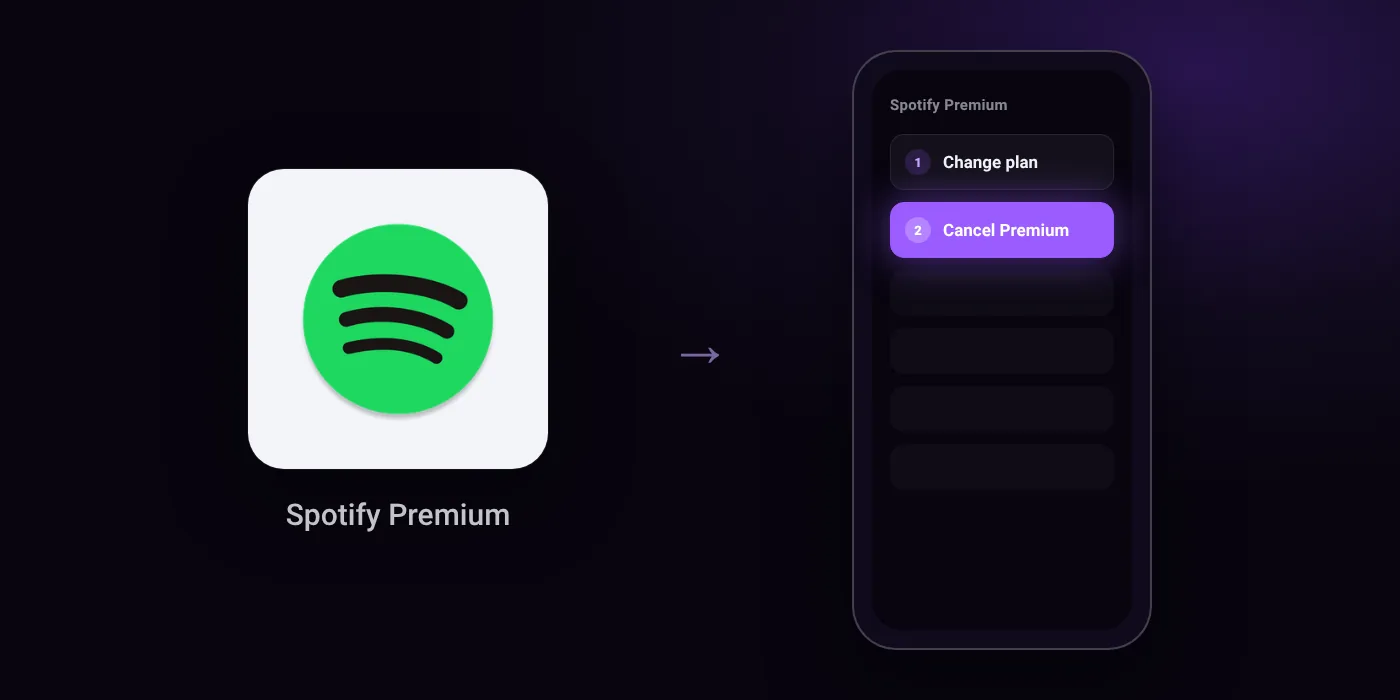
Quick path
- Change plan
- Cancel Premium
Steps to cancel Spotify Premium
- Log into spotify.com/account.
- Under Manage your plan, click Change plan.
- Scroll to Cancel Spotify and click Cancel Premium.
Paid through UPI AutoPay? Cancel the mandate too
Cancelling Spotify Premium ends the membership. If you paid with UPI AutoPay, the mandate that lets Spotify Premium debit your account is separate, and it lives in the UPI app you approved it in. Open that app’s AutoPay list and cancel the Spotify Premium mandate as well.
- Cancel Spotify Premium autopay in PhonePe
- Cancel Spotify Premium autopay in Google Pay
- Cancel Spotify Premium autopay in Paytm
- Cancel Spotify Premium autopay in BHIM
- Cancel Spotify Premium autopay in Amazon Pay
Paid by card instead? See how to cancel recurring payments on a card.
Questions people ask
how to cancel spotify autopay
Cancelling your subscription on Spotify does not automatically revoke the payment mandate. Open the UPI app or bank app you used to set up payments and cancel the Spotify UPI AutoPay mandate there directly.
how to cancel spotify membership on app
You cannot cancel your plan inside the Spotify mobile app. You must log into your account through a web browser, go to Change plan under Manage your plan, and select Cancel Premium.
spotify cancel membership refund
Spotify does not state a refund policy on its cancellation screen. Check your account page and receipt history in a browser to see if your account is eligible for a refund.
spotify premium cancel free trial
You will not be charged if you cancel the plan before the free trial period ends. Cancel the plan on your account page and verify that the UPI mandate is removed in your bank app so no deduction occurs.
does deleting spotify account cancel premium
Deleting the app or your account does not reliably cancel an active recurring charge on its own. Cancel your Premium plan first through your account page, and remove the UPI AutoPay mandate in your bank app.
Last checked on against community.spotify.com (official), community.spotify.com (official). Apps change their menus; if a step looks different, the option is usually nearby.