How to cancel Bumble subscription and autopay
To cancel your Bumble subscription, go to Profile > Subscription details > Manage your subscription in the app. If you paid through Apple or Google Play, cancel in your device settings or Play Store account.
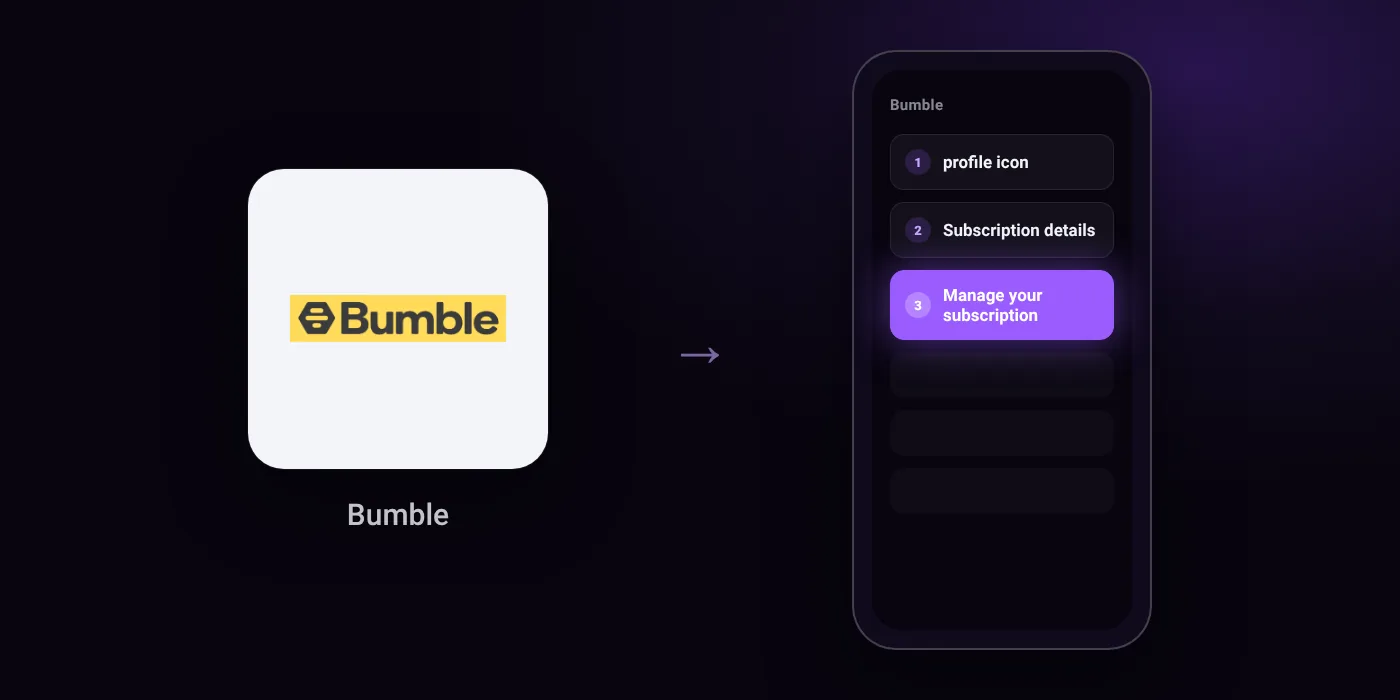
Quick path
- profile icon
- Subscription details
- Manage your subscription
Steps to cancel Bumble
- Open the Bumble app.
- Tap the profile icon.
- Select 'Subscription details', then tap 'Manage your subscription'.
- Choose to cancel your subscription.
In the app
Profile > Subscription details > Manage your subscription
Before you cancel
- Refunds: Canceling stops future renewals and allows you to keep access until the end of the paid period, but if Apple or Google Play approves a refund, access may be lost immediately.
- If you subscribed via Apple App Store, open device Settings > tap your name > Subscriptions > select Bumble > tap Cancel Subscription. Deleting your Bumble account will not cancel the subscription.
- If you subscribed via Google Play, open Google Play Store > tap profile icon > Payments & subscriptions > Subscriptions > select Bumble > tap Cancel Subscription.
- Your subscription renews automatically unless canceled at least 24 hours before the renewal date.
- If you cannot access Bumble to cancel your subscription yourself, you must reach out to their support team.
Paid through UPI AutoPay? Cancel the mandate too
Cancelling Bumble ends the membership. If you paid with UPI AutoPay, the mandate that lets Bumble debit your account is separate, and it lives in the UPI app you approved it in. Open that app’s AutoPay list and cancel the Bumble mandate as well.
- Cancel Bumble autopay in PhonePe
- Cancel Bumble autopay in Google Pay
- Cancel Bumble autopay in Paytm
- Cancel Bumble autopay in BHIM
- Cancel Bumble autopay in Amazon Pay
Paid by card instead? See how to cancel recurring payments on a card.
Questions people ask
Does deleting my Bumble account cancel my subscription?
No. Deleting your Bumble account will not cancel your subscription. You must cancel it manually in the app or through your app store settings.
Will I get a refund after cancelling Bumble?
Canceling stops future renewals and lets you keep access until the current billing period ends. If Apple or Google Play approves a refund request, your access may end immediately.
When do I need to cancel to avoid being charged again?
Cancel at least 24 hours before your renewal date. Bumble renews automatically if you miss that window.
How do I cancel Bumble on iPhone?
Open your iPhone Settings, tap your name, and select Subscriptions. Tap Bumble, then tap Cancel Subscription.
How do I cancel Bumble on Android?
Open Google Play Store, tap your profile icon, and select Payments & subscriptions > Subscriptions. Choose Bumble and tap Cancel Subscription.
How do I stop Bumble autopay?
Cancel the subscription in Bumble or your app store first. If you have an active mandate, check your UPI app or bank app to ensure the payment authorization is also stopped.
Last checked on against support.bumble.com (official). Apps change their menus; if a step looks different, the option is usually nearby.