How to cancel Apple Music and Apple One subscription and autopay
To cancel Apple Music or Apple One, open Settings, tap your name, select Subscriptions, and choose Cancel Subscription. This stops future renewal and halts recurring charges.
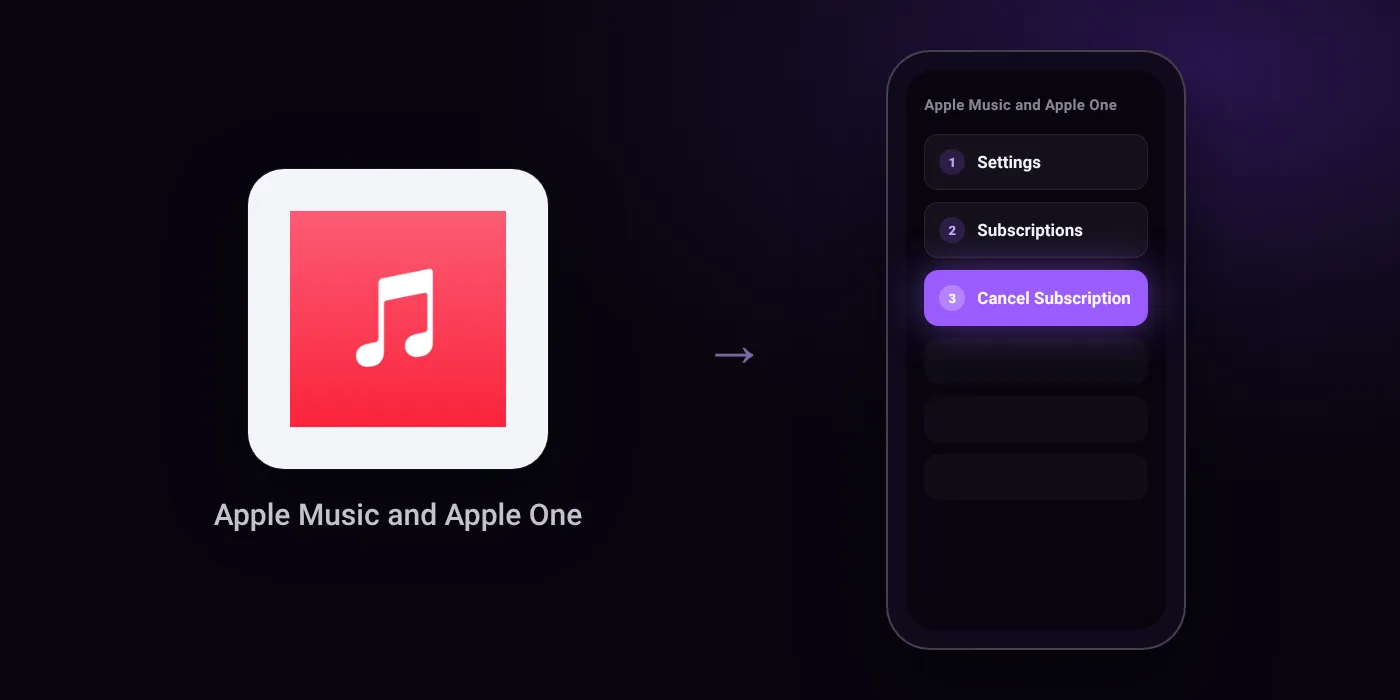
Quick path
- Settings
- Subscriptions
- Cancel Subscription
Steps to cancel Apple Music and Apple One
- In Settings, tap your name.
- Tap Subscriptions.
- Tap the subscription.
- Tap Cancel Subscription.
In the app
Settings > [your name] > Subscriptions > Cancel Subscription
Before you cancel
- Free trial: If you signed up for a trial subscription and do not want to renew it, cancel it at least 24 hours before the trial ends.
- If there is no Cancel button or you see an expiry message in red text, the subscription has already been cancelled.
- If you pay for Apple Music through Google Play, you can only cancel your subscription in the Apple Music app on your Android device or at play.google.com.
- You cannot cancel a family member's subscription; ask the family member whose Apple Account appears on the receipt to cancel it.
- If you received the subscription through your wireless network operator or other provider, contact them for support to cancel.
Paid through UPI AutoPay? Cancel the mandate too
Cancelling Apple Music and Apple One ends the membership. If you paid with UPI AutoPay, the mandate that lets Apple Music and Apple One debit your account is separate, and it lives in the UPI app you approved it in. Open that app’s AutoPay list and cancel the Apple Music and Apple One mandate as well.
- Cancel Apple Music and Apple One autopay in PhonePe
- Cancel Apple Music and Apple One autopay in Google Pay
- Cancel Apple Music and Apple One autopay in Paytm
- Cancel Apple Music and Apple One autopay in BHIM
- Cancel Apple Music and Apple One autopay in Amazon Pay
Paid by card instead? See how to cancel recurring payments on a card.
Questions people ask
How to cancel Apple Music free trial without paying?
Cancel the trial at least 24 hours before it ends. Go to Settings, tap your name, tap Subscriptions, choose Apple Music, and select Cancel Subscription.
How to cancel Apple Music subscription on Android?
If you pay through Google Play, cancel inside the Apple Music app on your Android device or via the Google Play website. You cannot manage a Google Play billing setup from an iPhone settings menu.
Why is there no option to cancel Apple Music?
If there is no Cancel button or the expiration date appears in red, the subscription is already cancelled. If you signed up through a mobile network provider, contact that operator directly to end the plan.
Do I need to cancel UPI AutoPay separately?
Check your UPI app or bank app after cancelling in Apple settings. Cancelling the subscription stops renewal on Apple's end, but removing the mandate in your bank app ensures no further debit attempts occur.
Can I cancel an Apple Music plan for a family member?
No. You cannot cancel a plan owned by someone else in Family Sharing. The person whose Apple Account is listed on the invoice must complete the cancellation.
Will I get a refund after I cancel Apple Music?
Cancelling does not automatically issue a refund. It simply ensures you are not billed again at the next renewal date.
Last checked on against support.apple.com (official). Apps change their menus; if a step looks different, the option is usually nearby.