How to cancel YouTube Premium subscription and autopay
To cancel your YouTube Premium membership and stop autopay, open your profile picture, select Paid memberships, select your plan, and tap Continue to cancel. If you subscribed through Apple or Google Play, cancel within those account settings instead.
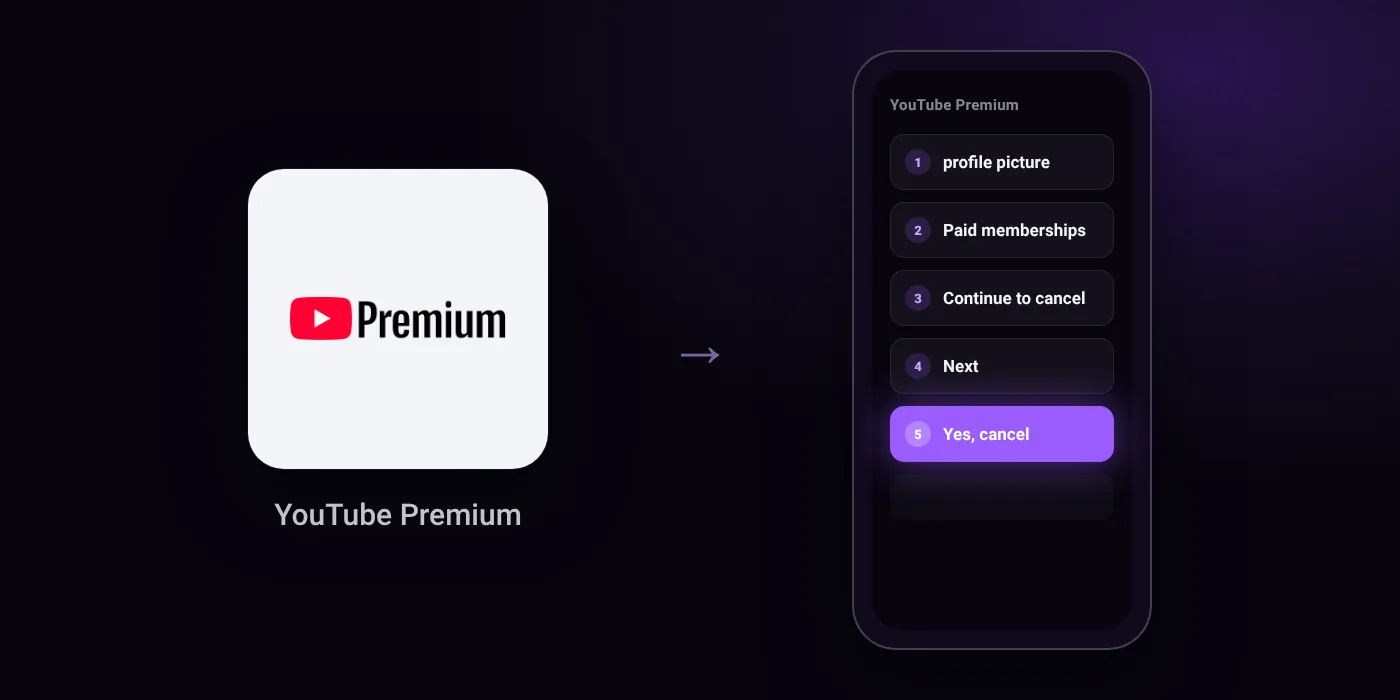
Quick path
- profile picture
- Paid memberships
- Continue to cancel
- Next
- Yes, cancel
Steps to cancel YouTube Premium
- Tap your profile picture and then select Paid memberships.
- Tap on the membership you want to cancel.
- Tap Continue to cancel.
- Select your reason for canceling and tap Next.
- Tap Yes, cancel.
In the app
profile picture > Paid memberships
Before you cancel
- Refunds: Cancelling does not refund remaining days; benefits run to the end of the billing cycle. A refund is possible mainly when something you paid for does not work, requiring you to contact the support team from the refund page while signed in. Once a refund is granted, access ends immediately.
- Free trial: If you cancel during a trial, you lose Premium benefits at the end of the trial period, not on the day you cancel, and you will not be charged afterwards.
- If you are billed by Apple (joined from YouTube iOS app), you must cancel from your Apple account.
- If you are billed by Google Play, you must cancel within your Google Play account settings.
- Prepaid plans (1, 3 or 12 months paid up front) do not renew and have nothing to cancel; they expire on their own and partly used prepaid plans are not refunded.
Paid through UPI AutoPay? Cancel the mandate too
Cancelling YouTube Premium ends the membership. If you paid with UPI AutoPay, the mandate that lets YouTube Premium debit your account is separate, and it lives in the UPI app you approved it in. Open that app’s AutoPay list and cancel the YouTube Premium mandate as well.
- Cancel YouTube Premium autopay in PhonePe
- Cancel YouTube Premium autopay in Google Pay
- Cancel YouTube Premium autopay in Paytm
- Cancel YouTube Premium autopay in BHIM
- Cancel YouTube Premium autopay in Amazon Pay
Paid by card instead? See how to cancel recurring payments on a card.
On your statement: what ‘UPI AutoPay’ means
Questions people ask
How do I cancel YouTube Premium free trial without being charged?
Open your profile picture, select Paid memberships, and choose Continue to cancel. Your benefits continue until the trial period finishes, and you will not be charged after it ends.
Can I cancel YouTube Premium and get a refund?
Cancelling does not refund remaining days; your access runs until the billing cycle ends. A refund is possible mainly when the service does not work, which requires contacting support while signed in. If a refund is approved, your access ends immediately.
How do I stop YouTube Premium UPI AutoPay?
Cancelling your membership in YouTube stops renewal requests, but cancelling the UPI AutoPay mandate can be a separate step. Check your bank app or UPI app to pause or delete the mandate directly.
What happens to a prepaid YouTube Premium plan?
Prepaid plans for 1, 3, or 12 months do not renew automatically, so there is no renewal to cancel. The plan runs until its set expiry date, and partially used plans are not refunded.
How do I cancel YouTube Premium on an iPhone?
If you signed up through the iOS app and are billed by Apple, you must cancel inside your Apple account settings. The YouTube app will not cancel subscriptions billed directly by Apple.
Last checked on against support.google.com (official), subspace.money. Apps change their menus; if a step looks different, the option is usually nearby.