How to cancel an SBI e-mandate (NACH/ECS)
To cancel an SBI autopay mandate, log in to SBI net banking, navigate to Request & Enquiries or e-Services, and select Manage E-Mandate. Choose your account, locate the mandate, and confirm the cancellation with an OTP.
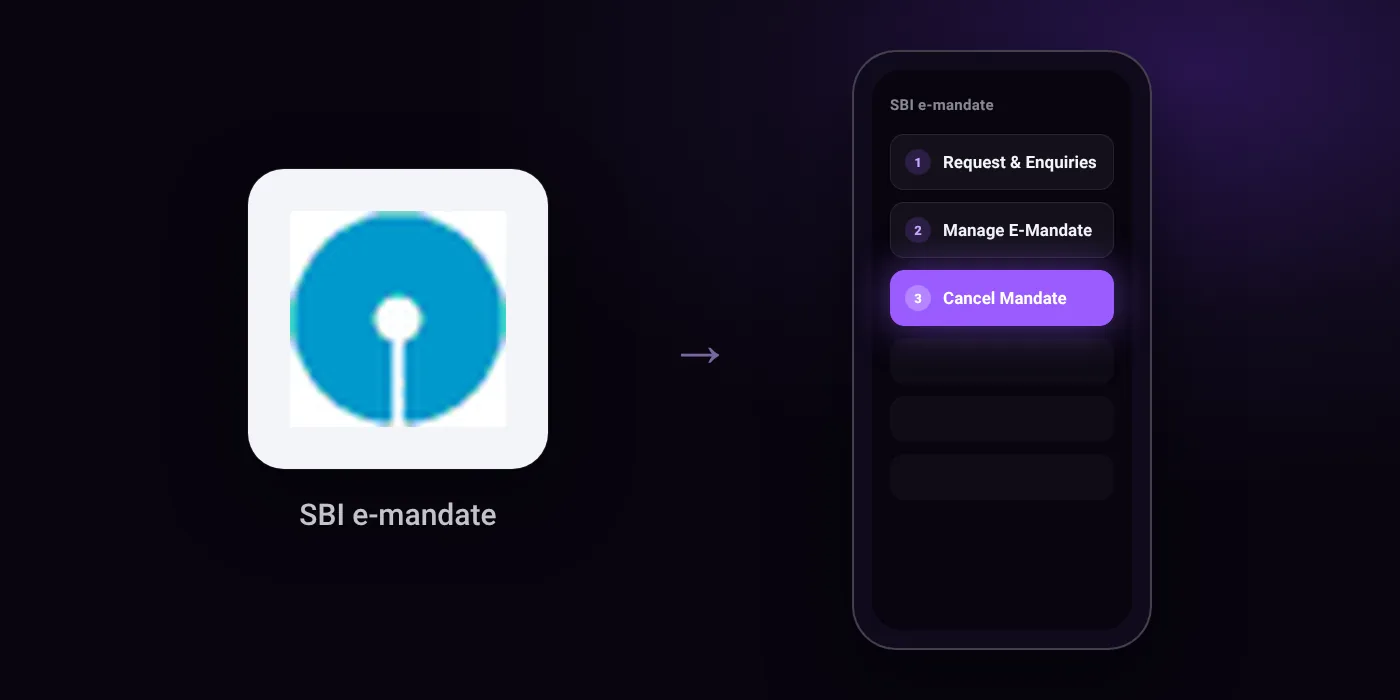
Quick path
- Request & Enquiries
- Manage E-Mandate
- Cancel Mandate
Steps to cancel an SBI e-mandate (NACH/ECS)
- Visit onlinesbi.sbi and log in using your username, password, and SMS OTP.
- Click on ”Request & Enquiries” on the top navigation bar.
- Select ”Manage E-Mandate”.
- Select your savings account number and click Proceed.
- Locate the target merchant mandate and select ”Cancel Mandate”.
- Confirm the cancellation details, enter the OTP sent to your registered mobile number, and submit.
Online
In the app
Service Request > Account > Manage Mandates / E-Mandate > Revoke / Cancel
Before you cancel
- Loan e-mandates should only be cancelled after obtaining an NOC or clearing all dues; otherwise, the lender can take legal action.
- To prevent an upcoming auto-debit, submit your cancellation request at least 3 business days before the next scheduled payment date.
- Alternative sources indicate the net banking navigation path may instead be under the 'e-Services' tab followed by 'Manage Mandate'.
On your statement: what ‘NACH DR’ means · what ‘ECS’ means · what ‘ACH D-’ means
Questions people ask
How to cancel an SBI e-mandate online?
Log in to onlinesbi.sbi with your credentials and SMS OTP, then go to Request & Enquiries or e-Services and select Manage E-Mandate. Choose your savings account, find the mandate, select Cancel Mandate, and confirm with the mobile OTP.
How many days before the due date should I stop an SBI mandate?
Submit your cancellation request at least three business days before the next scheduled payment date. Requests submitted later may not prevent the upcoming debit.
Can I cancel an SBI e-mandate set up for a loan EMI?
Do this only after clearing all dues and obtaining an NOC from the lender. Cancelling a loan mandate with outstanding dues can lead to legal action by the lender.
Where do I find mandate cancellation in the SBI mobile app?
Open the bank app and go to Service Request, then Account, and select Manage Mandates or E-Mandate. Locate the active record and choose Revoke or Cancel.
Will cancelling the mandate refund my money?
No, stopping a mandate only blocks future debits from your card or net banking. It does not refund past transactions already processed by the merchant.
Last checked on against techyloan.in. Apps change their menus; if a step looks different, the option is usually nearby.