How to cancel LinkedIn Premium
To cancel LinkedIn Premium, open linkedin.com on desktop, go to Me, select Premium features, and open Manage subscription to cancel under Purchases. If you subscribed through Apple, cancel directly through your iPhone subscription settings.
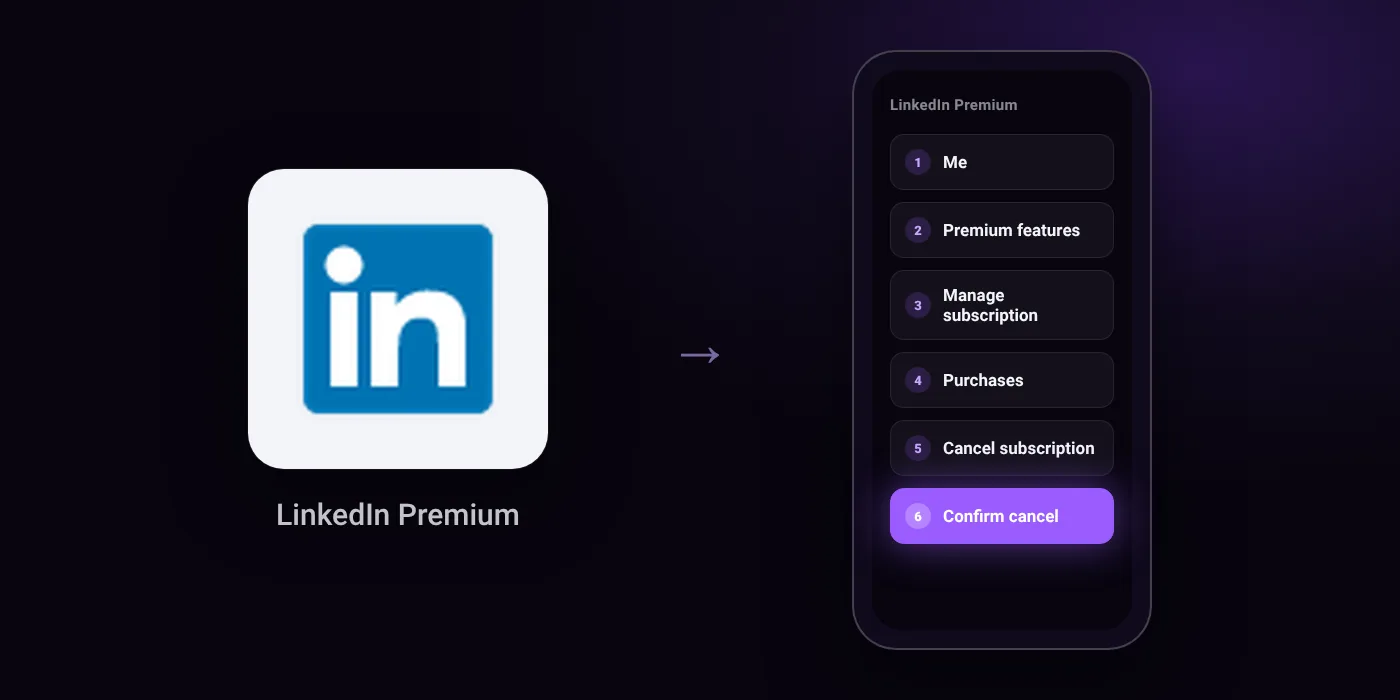
Quick path
- Me
- Premium features
- Manage subscription
- Purchases
- Cancel subscription
- Confirm cancel
Steps to cancel LinkedIn Premium
- Sign in at linkedin.com on a computer.
- Click the Me icon at the top of your homepage.
- Select Premium features from the dropdown.
- Click Manage subscription under Plan Details to be redirected to LinkedIn Admin Center.
- Click Purchases in the left pane of Admin Center.
- Select your active subscription.
- Click Cancel subscription under Actions.
- Click Confirm cancel.
In the app
Profile photo > Premium features > Manage your subscription > Cancel subscription
Before you cancel
- Refunds: Premium plans may be refundable within 7 days of the charge if you have not used Premium since then. App Store purchases must be refunded directly through Apple, and Google Play purchases through Google Play.
- Free trial: Free trial access stops immediately upon cancellation rather than running to the end of the trial period, and you cannot start another trial for at least 12 months.
- If you subscribed via Apple App Store, you must cancel via iPhone Settings or the iOS app; LinkedIn cannot process billing or refunds for Apple subscriptions.
- If you signed up on an iPhone using a web browser instead of the app, cancellation is not available in the iOS app and must be done on desktop.
- If billed through Google Play, you can cancel via Google Play Store subscriptions or on LinkedIn directly.
- Corporate, group, or team seats cannot be cancelled by individual users and must be removed by the company administrator or account manager.
- Sources disagree on whether cancellation is available on Android: one states Android users can cancel directly in the app, while another states there are no current options on Android devices.
Paid through UPI AutoPay? Cancel the mandate too
Cancelling LinkedIn Premium ends the membership. If you paid with UPI AutoPay, the mandate that lets LinkedIn Premium debit your account is separate, and it lives in the UPI app you approved it in. Open that app’s AutoPay list and cancel the LinkedIn Premium mandate as well.
- Cancel LinkedIn Premium autopay in PhonePe
- Cancel LinkedIn Premium autopay in Google Pay
- Cancel LinkedIn Premium autopay in Paytm
- Cancel LinkedIn Premium autopay in BHIM
- Cancel LinkedIn Premium autopay in Amazon Pay
Paid by card instead? See how to cancel recurring payments on a card.
How LinkedIn Premium shows up on your statement
LINKEDINLINKEDIN PREMIUMAPPLE.COM/BILLGOOGLE *LinkedIn
Questions people ask
How do I cancel LinkedIn Premium free trial?
Cancel through Manage subscription on desktop or in your app store before the renewal date. Free trial access stops immediately upon cancellation, and you cannot start another free trial for at least 12 months.
Can I cancel LinkedIn Premium and get a refund?
Plans may be refunded within 7 days of the charge if you have not used Premium features since. Subscriptions billed through Apple or Google Play must be refunded directly through those platforms.
How to cancel LinkedIn Premium on iPhone?
Open your iPhone Settings and manage subscriptions if you purchased through the App Store. If you signed up on an iPhone using a web browser, the iOS app cannot cancel it, and you must cancel on a desktop browser.
How to stop auto pay for LinkedIn Premium?
Cancelling your plan in LinkedIn or your app store prevents future charges. If an auto-debit instruction appears in your bank app or UPI AutoPay mandate list, check the mandate status there to confirm it is closed.
Can I cancel a corporate or team LinkedIn seat myself?
No. Individual users cannot cancel corporate, team, or group seats. Your company administrator or account manager must remove the seat for you.
Last checked on against reverbico.com, heyou.io. Apps change their menus; if a step looks different, the option is usually nearby.