How to cancel Audible subscription and autopay
To cancel your Audible membership and stop recurring charges, open your account on the website, select View membership details, click Cancel membership, and select Continue to cancel. Unused credits expire immediately, but purchased audiobooks stay in your library.
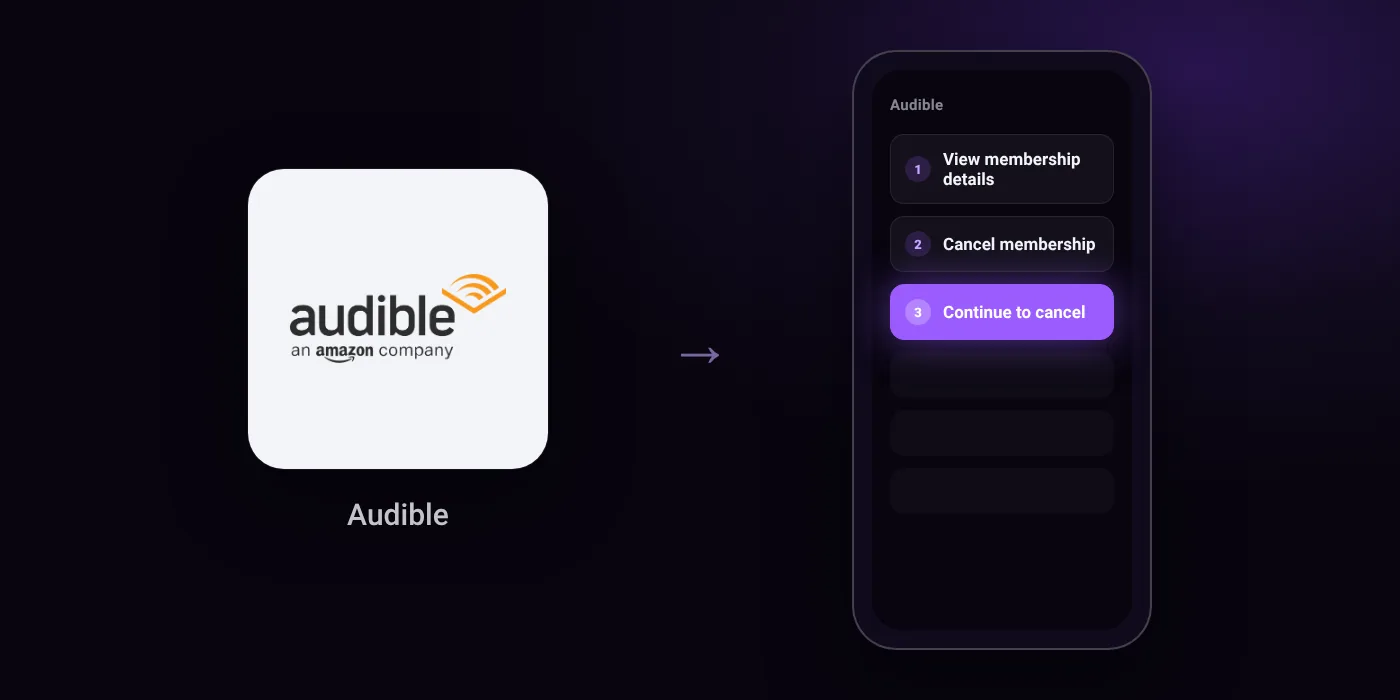
Quick path
- View membership details
- Cancel membership
- Continue to cancel
Steps to cancel Audible
- Select your username from the site's top navigation.
- Select View membership details.
- Select the Cancel membership link.
- Select Continue to cancel.
Phone
Before you cancel
- Refunds: You can view your refunds under Refund History on your Audible account.
- Any unused credits will be canceled immediately upon membership cancellation, though titles already purchased with credits or cash remain yours to keep.
- At the end of your final billing cycle, you will lose access to titles in the Plus Catalogue, and downloaded Plus Catalogue titles will be locked.
Paid through UPI AutoPay? Cancel the mandate too
Cancelling Audible ends the membership. If you paid with UPI AutoPay, the mandate that lets Audible debit your account is separate, and it lives in the UPI app you approved it in. Open that app’s AutoPay list and cancel the Audible mandate as well.
- Cancel Audible autopay in PhonePe
- Cancel Audible autopay in Google Pay
- Cancel Audible autopay in Paytm
- Cancel Audible autopay in BHIM
- Cancel Audible autopay in Amazon Pay
Paid by card instead? See how to cancel recurring payments on a card.
Questions people ask
Do I lose my audiobooks and credits if I cancel?
Audiobooks purchased with cash or credits remain yours to keep. Any unused credits are canceled immediately, though you may be eligible to pause your membership instead if you want to save them.
What happens to titles from the Plus Catalogue?
You retain access until your final billing cycle ends. Once the billing cycle finishes, downloaded Plus Catalogue titles lock and cannot be played.
How do I check if I received a refund?
You can track the status under Refund History in your Audible account. Check your card statements or bank app to confirm the credited amount.
How do I stop Audible auto renewal or automatic card charges?
Complete the cancellation steps under your membership details on the Audible website. If you also manage recurring mandates in your bank app, check your active autopay list there to ensure the mandate is closed.
Can I cancel my Audible membership in the app?
The cancellation flow is handled through the Audible website. Sign in through a browser, select your username from the top navigation, and proceed under View membership details.
Last checked on against audible.in (official), help.audible.in (official). Apps change their menus; if a step looks different, the option is usually nearby.