How to cancel Zomato Gold subscription and autopay
To cancel your Zomato Gold membership, open the Zomato app, go to your profile, tap Zomato Gold, and select Cancel Membership. If you set up UPI AutoPay, you can also stop the recurring mandate directly in your UPI app.
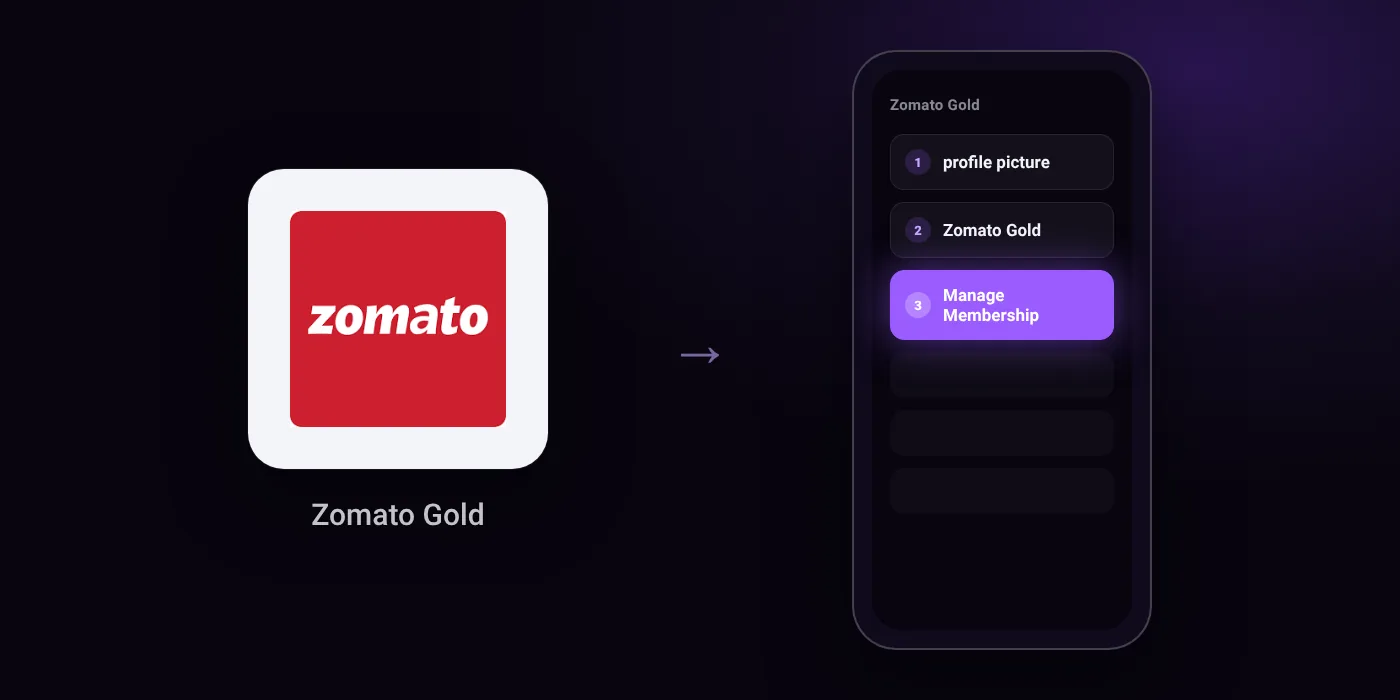
Quick path
- profile picture
- Zomato Gold
- Manage Membership
Steps to cancel Zomato Gold
- Open the Zomato app and tap on your profile picture in the top right corner.
- Select 'Zomato Gold' from the menu to open your membership dashboard.
- Find and tap on 'Manage Membership' or 'Cancel Membership' and confirm.
In the app
Account page > Zomato Gold Plan
Before you cancel
- Refunds: The membership is strictly non-refundable once purchased, and Zomato does not offer partial or pro-rata refunds for mid-cycle cancellations or auto-renewals.
- If the cancel button does not appear in the Zomato app, the subscription is billed through the Apple App Store or Google Play Store and must be cancelled in your phone's settings.
- If paid via UPI Autopay, you can cancel recurring payments by navigating to the Mandates or Autopay section directly inside your UPI app (such as Google Pay, PhonePe, or Paytm).
- Cancellation only stops future auto-renewals; you retain access to membership benefits until the end of the paid validity period.
Paid through UPI AutoPay? Cancel the mandate too
Cancelling Zomato Gold ends the membership. If you paid with UPI AutoPay, the mandate that lets Zomato Gold debit your account is separate, and it lives in the UPI app you approved it in. Open that app’s AutoPay list and cancel the Zomato Gold mandate as well.
- Cancel Zomato Gold autopay in PhonePe
- Cancel Zomato Gold autopay in Google Pay
- Cancel Zomato Gold autopay in Paytm
- Cancel Zomato Gold autopay in BHIM
- Cancel Zomato Gold autopay in Amazon Pay
Paid by card instead? See how to cancel recurring payments on a card.
On your statement: what ‘UPI AutoPay’ means
Questions people ask
Can I get a refund if I cancel Zomato Gold?
No. Zomato Gold is strictly non-refundable once purchased. Zomato does not offer partial or pro-rata refunds for mid-cycle cancellations or automatic renewals.
How do I stop Zomato Gold auto renewal on UPI?
Open your UPI app, such as Google Pay, PhonePe, or Paytm, and go to the Mandates or Autopay section. Cancel the Zomato mandate directly there to stop future debits.
Why is there no cancel button in the Zomato app?
If the cancel button does not appear in the app, your plan is billed through the Apple App Store or Google Play Store. You must cancel the subscription in your phone settings.
Will I lose my Gold benefits right away after cancelling?
No. Cancelling only stops future auto-renewals. You keep your membership benefits until the current paid validity period ends.
Does deleting the Zomato app cancel my subscription?
No. Removing the app leaves your subscription and payment mandates active. You must cancel via the app dashboard, your phone store settings, or your UPI app.
Last checked on against scribd.com, cancelmates.com. Apps change their menus; if a step looks different, the option is usually nearby.
Related guides
- How to cancel Swiggy One subscription and autopay
- How to cancel UPI AutoPay in PhonePe
- How to cancel UPI AutoPay in Google Pay
- How to cancel UPI AutoPay in Paytm
- How to cancel UPI AutoPay in BHIM
All food and quick-commerce memberships guides · All cancel guides