How to cancel Tinder subscription and autopay
To cancel your Tinder subscription, log in, tap your profile icon, select Manage Payment Account, and choose Cancel Subscription. Deleting the app or deleting your account does not stop recurring charges.
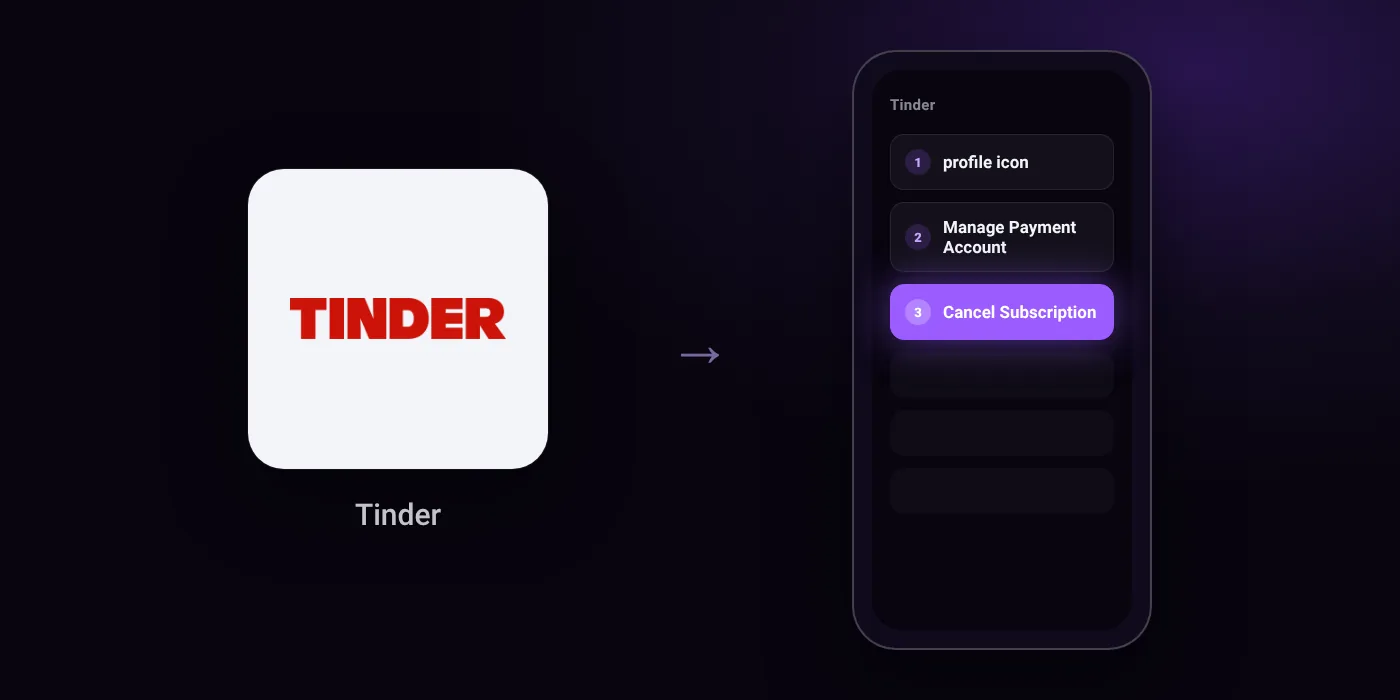
Quick path
- profile icon
- Manage Payment Account
- Cancel Subscription
Steps to cancel Tinder
- Go to tinder.com and log in.
- Tap your profile icon.
- Select Manage Payment Account.
- Find the subscription you want to cancel.
- Tap Cancel Subscription.
Online
In the app
profile icon > Manage Payment Account > Cancel Subscription
Before you cancel
- Refunds: To request a refund for third-party purchases, you must contact the merchant directly.
- Uninstalling or deleting the app does not cancel your subscription.
- Deleting your account will not cancel an active subscription.
- If your order number starts with MK, your purchase was made on iOS and must be canceled through Apple Settings.
- If your order number starts with GPA, you signed up on Android and must cancel through the Google Play Store.
- Subscriptions do not transfer between platforms; if you changed devices (e.g., iOS to Android), you must cancel on your old device.
Paid through UPI AutoPay? Cancel the mandate too
Cancelling Tinder ends the membership. If you paid with UPI AutoPay, the mandate that lets Tinder debit your account is separate, and it lives in the UPI app you approved it in. Open that app’s AutoPay list and cancel the Tinder mandate as well.
- Cancel Tinder autopay in PhonePe
- Cancel Tinder autopay in Google Pay
- Cancel Tinder autopay in Paytm
- Cancel Tinder autopay in BHIM
- Cancel Tinder autopay in Amazon Pay
Paid by card instead? See how to cancel recurring payments on a card.
Questions people ask
Does deleting my Tinder account cancel my subscription?
No. Deleting your account or uninstalling the app does not cancel an active subscription. You must cancel the recurring payment directly before removing your account.
How to cancel Tinder subscription on Android or iPhone?
Check your receipt order number first. If the order number starts with MK, cancel through Apple Settings. If it starts with GPA, cancel through the Google Play Store.
How do I stop Tinder autopay and recurring charges?
Cancel the subscription inside your profile settings on the website or within the app store where you signed up. If you pay through an app store, check your store subscriptions and your bank app to ensure the recurring payment is stopped.
Can I get a refund for my cancelled Tinder membership?
For purchases made through third parties like Apple or Google, you must contact that merchant directly to request a refund. Tinder does not handle those refund requests directly.
Why was I charged after switching phones?
Subscriptions do not transfer between operating systems. If you moved between Android and iPhone, you must cancel the renewal on the original device or platform where you purchased it.
Last checked on against help.tinder.com (official). Apps change their menus; if a step looks different, the option is usually nearby.