How to cancel Google One subscription and autopay
To cancel your Google One subscription, open the Google One app on Android, tap Menu, then Settings, and select Cancel membership. You can also cancel through your Play Store subscriptions online, or through the App Store if you signed up on an iPhone.
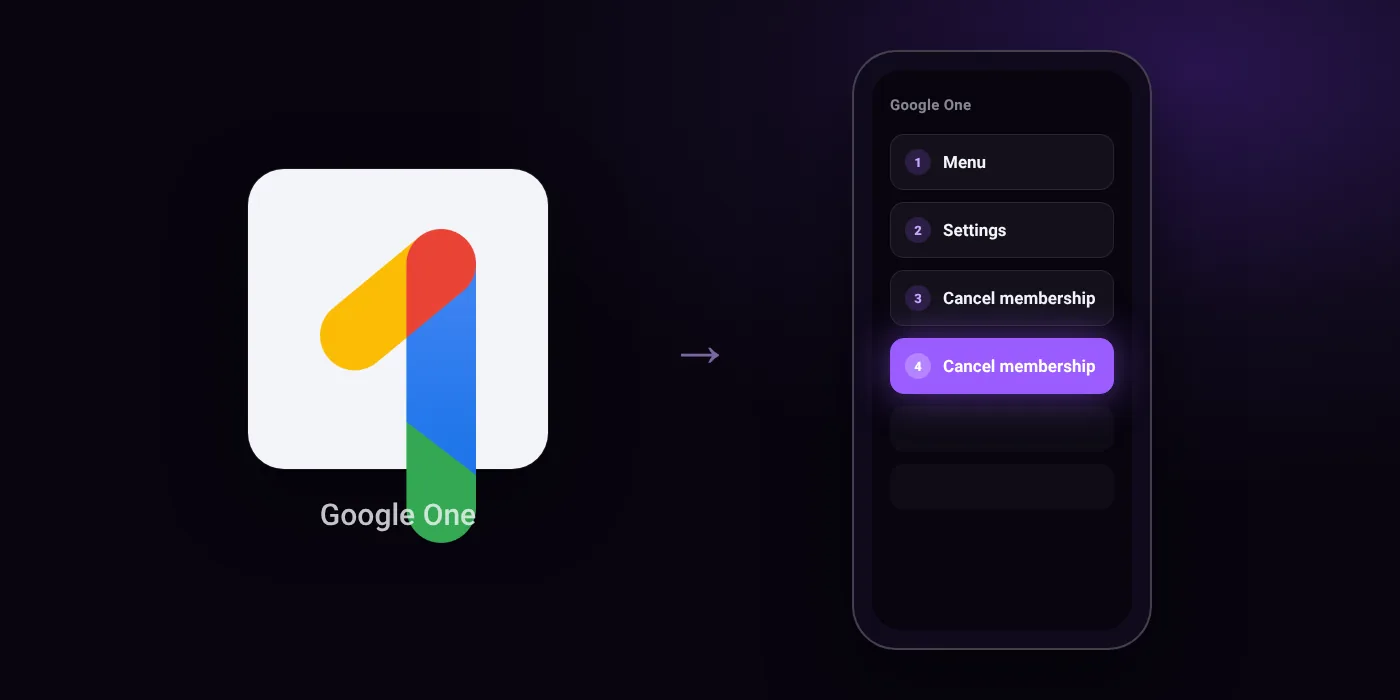
Quick path
- Menu
- Settings
- Cancel membership
- Cancel membership
Steps to cancel Google One
- Open the Google One app on your Android phone or tablet.
- Tap Menu, then Settings, then Cancel membership at the top.
- Tap Cancel membership to confirm.
In the app
Menu > Settings > Cancel membership
Before you cancel
- Refunds: In most countries or regions, Google storage plan purchases are non-refundable. The amount of storage purchased remains yours for the length of the subscription, even if canceled.
- If you use UPI Autopay in India, canceled subscriptions may continue to show as active on Google Payments Center until the end of the billing period, and UPI Autopay cannot be removed until the billing cycle ends.
- If you signed up through the App Store on an iPhone or iPad, you cannot adjust or cancel your membership in the Android app and must use the App Store on another device.
- If you belong to a Google family group where someone else manages the plan, you must leave the family group or ask the manager to cancel or stop sharing Google One.
Paid through UPI AutoPay? Cancel the mandate too
Cancelling Google One ends the membership. If you paid with UPI AutoPay, the mandate that lets Google One debit your account is separate, and it lives in the UPI app you approved it in. Open that app’s AutoPay list and cancel the Google One mandate as well.
- Cancel Google One autopay in PhonePe
- Cancel Google One autopay in Google Pay
- Cancel Google One autopay in Paytm
- Cancel Google One autopay in BHIM
- Cancel Google One autopay in Amazon Pay
Paid by card instead? See how to cancel recurring payments on a card.
On your statement: what ‘UPI AutoPay’ means
Questions people ask
How to stop UPI AutoPay for Google One?
Cancelling your membership stops future billing cycles. If you use UPI AutoPay in India, the subscription may still show as active in Google Payments Center until the current billing period ends, and the UPI AutoPay mandate cannot be removed until that cycle finishes.
Can I get a refund if I cancel my Google One subscription?
Google storage purchases are non-refundable in most regions. Once canceled, your purchased storage remains accessible until the end of your current billing period.
How to cancel Google One subscription on iPhone?
You cannot cancel an Apple-billed plan using the Android app. You must cancel the subscription through the App Store settings on an Apple device.
What happens to my data after I cancel Google One?
You keep the extra storage space until your current billing period concludes. After that period ends, you lose access to the expanded storage quota unless renewed.
Why is the cancel button not showing in Google One?
You may be part of a family group where someone else pays for the storage. In that case, you must leave the family group or ask the plan manager to cancel or stop sharing the plan.
Last checked on against support.google.com (official), support.google.com (official). Apps change their menus; if a step looks different, the option is usually nearby.