How to cancel a Kotak Bank e-mandate (NACH/ECS)
You can cancel an autopay mandate in Kotak Mobile Banking under Service Request, Account Related, and NACH Cancelation. Select the active mandate from the list to stop future debits.
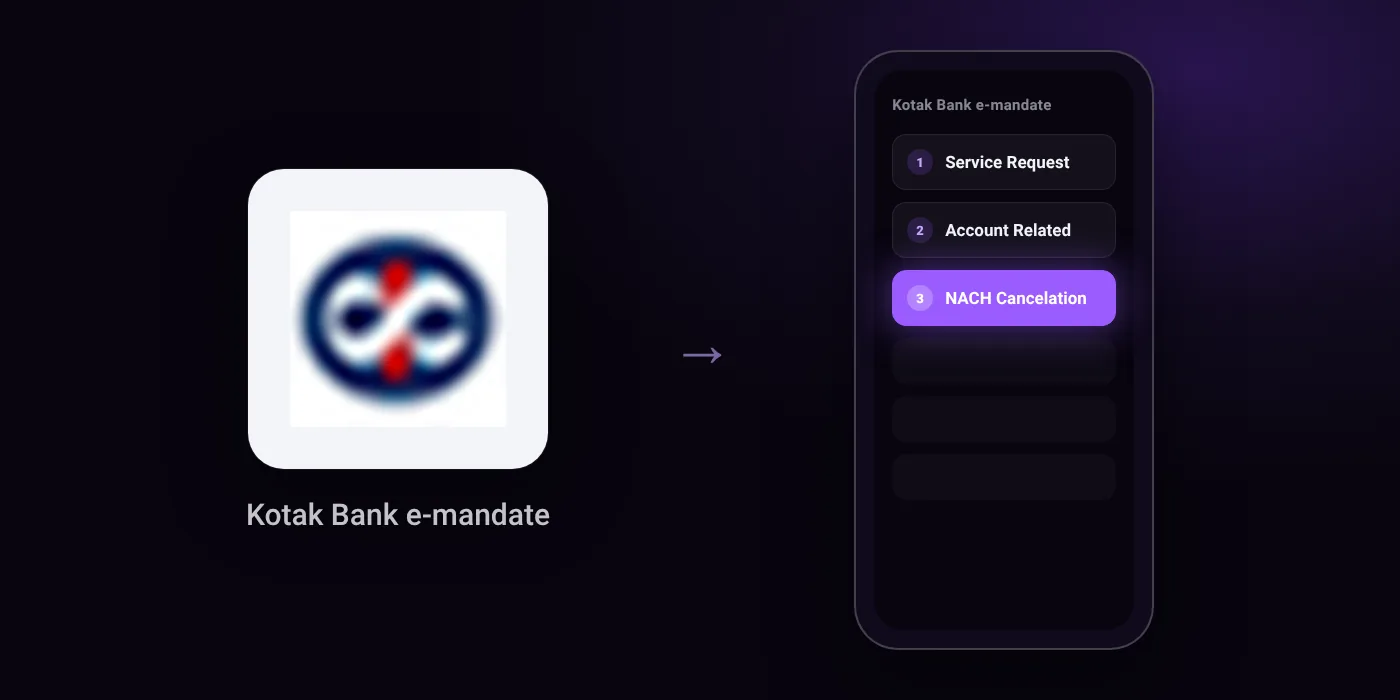
Quick path
- Service Request
- Account Related
- NACH Cancelation
Steps to cancel a Kotak Bank e-mandate (NACH/ECS)
- Log in to Kotak Mobile Banking.
- Go to Service Request.
- Select Account Related, then choose NACH Cancelation.
- Cancel your NACH request from the active list shown.
In the app
Service Request -> Account Related -> NACH Cancelation
Before you cancel
- You can also cancel active NACH mandates through Net Banking by navigating to Service Request -> Account Related -> NACH Cancelation.
On your statement: what ‘NACH DR’ means · what ‘ECS’ means · what ‘ACH D-’ means
Questions people ask
How to cancel autopay in Kotak app?
Log in to Kotak Mobile Banking and head to Service Request. Choose Account Related, select NACH Cancelation, and cancel the mandate from your active list.
Can I cancel a Kotak NACH mandate through Net Banking?
Yes. Log in to Net Banking and navigate to Service Request, then Account Related, and select NACH Cancelation.
Does cancelling the mandate close my loan or SIP?
No. Revoking the mandate only stops Kotak Bank from paying the debit automatically. You still owe any pending dues and must settle them directly with the merchant or provider.
Will I get a refund if the mandate was already debited?
Cancelling a mandate only stops scheduled future deductions. To request a refund for a completed debit, you will need to contact the merchant directly.
Does deleting the Kotak app stop my autopay mandates?
No. Mandates are registered on your bank account, not your phone. You must log in and cancel the active NACH request before uninstalling the app.
Last checked on against kotak.bank.in (official). Apps change their menus; if a step looks different, the option is usually nearby.