How to cancel Canva Pro subscription and autopay
To cancel your Canva Pro free trial, go to your account Settings, choose Billing, and select Cancel plan. If you pay through UPI AutoPay or an app store, you must stop the mandate or subscription there directly.
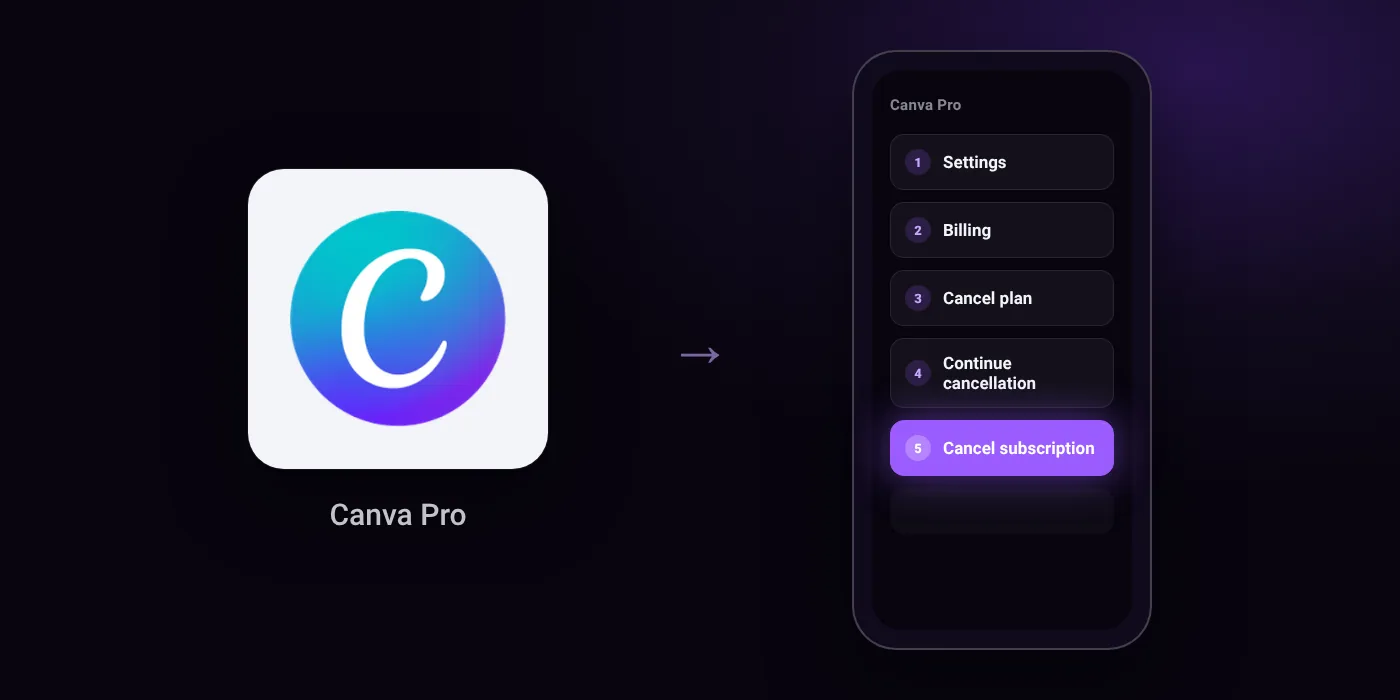
Quick path
- Settings
- Billing
- Cancel plan
- Continue cancellation
- Cancel subscription
Steps to cancel Canva Pro
- Log in to the correct Canva account or team.
- On the homepage, select your account profile to open the menu.
- Select Settings.
- Go to Billing.
- On your plan, select Cancel plan.
- Select Continue cancellation.
- Choose why you want to cancel, then select Continue cancellation.
- Select Cancel subscription.
Before you cancel
- Refunds: Canva subscriptions are generally non-refundable under its terms of use, though every refund request is reviewed.
- Free trial: Because Canva's billing system runs on UTC, charges may appear a day earlier than expected depending on your time zone.
- Subscriptions purchased via Google Play or the App Store cannot be cancelled directly in the Canva app and must be cancelled through the respective app store.
- Uninstalling the mobile app does not cancel your subscription.
- If you subscribed using UPI Autopay in India, you can also cancel the mandate directly in your UPI app or bank settings.
- Some banks use automatic card update services and may keep recurring charges active even if your physical card has expired or been cancelled.
Paid through UPI AutoPay? Cancel the mandate too
Cancelling Canva Pro ends the membership. If you paid with UPI AutoPay, the mandate that lets Canva Pro debit your account is separate, and it lives in the UPI app you approved it in. Open that app’s AutoPay list and cancel the Canva Pro mandate as well.
- Cancel Canva Pro autopay in PhonePe
- Cancel Canva Pro autopay in Google Pay
- Cancel Canva Pro autopay in Paytm
- Cancel Canva Pro autopay in BHIM
- Cancel Canva Pro autopay in Amazon Pay
Paid by card instead? See how to cancel recurring payments on a card.
On your statement: what ‘UPI AutoPay’ means
How Canva Pro shows up on your statement
CanvaCanva*invoice_idAPPLE*CanvaGOOGLE*Canva
Questions people ask
Why was I charged for Canva Pro a day early?
Canva's billing system operates on UTC rather than Indian Standard Time. This time difference means renewal charges or trial endings can process a day earlier than you expect.
How to cancel canva pro on iPhone or Android?
Subscriptions purchased through Google Play or Apple's App Store cannot be cancelled inside the Canva app. You must cancel the active subscription inside your device's app store settings.
How do I stop the Canva UPI AutoPay mandate?
Cancelling your Canva plan and cancelling the payment mandate are separate steps. To ensure no further debits occur, open your UPI app or bank app and cancel the Canva mandate directly in your AutoPay settings.
Can I get a refund after cancelling Canva Pro?
Canva subscriptions are generally non-refundable under its terms of use. The company does review individual refund requests if you raise one with their support team.
Does uninstalling the Canva app cancel my plan?
No. Removing the app from your phone leaves your subscription and payment mandates active. You must complete the cancellation steps under Billing in your account or within your app store.
Last checked on against canva.com (official). Apps change their menus; if a step looks different, the option is usually nearby.