How to cancel JioSaavn Pro subscription and autopay
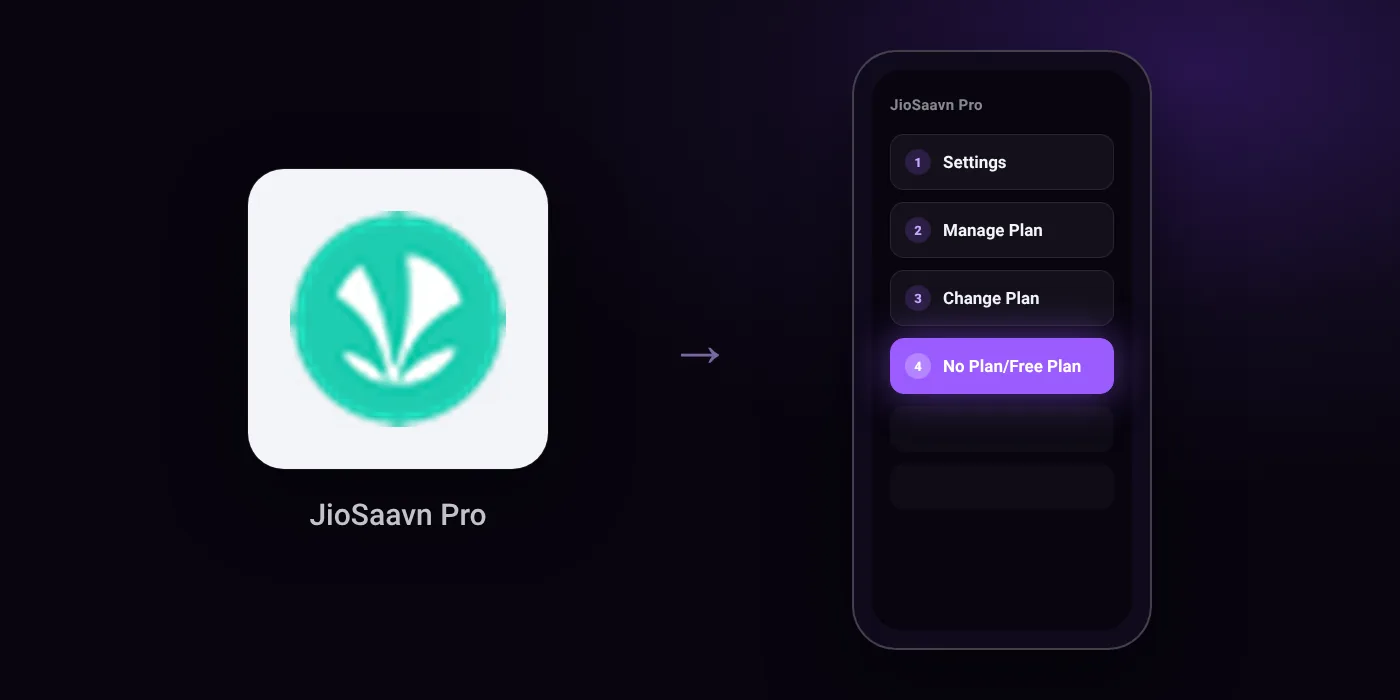
To cancel your JioSaavn Pro subscription, go to Settings > Manage Plan > Change Plan in the app, select 'No Plan/Free Plan', and confirm. If you use UPI AutoPay or an app store, cancel the mandate there as well.
Quick path
- Settings
- Manage Plan
- Change Plan
- No Plan/Free Plan
Steps to cancel JioSaavn Pro
- Open the JioSaavn app.
- Go to Settings > Manage Plan > Change Plan.
- Select 'No Plan/Free Plan'.
- Add feedback about your cancellation.
- Confirm your cancellation.
Online
In the app
Settings > Manage Plan > Change Plan
Before you cancel
- Refunds: JioSaavn's official policy states that all subscription payments are strictly non-refundable, including auto-renewals.
- Auto-renewal must be cancelled at least 24 hours prior to the end of the current billing cycle to avoid being charged for renewal.
- One-time purchase subscriptions do not need to be cancelled, and plans bundled with Jio recharges are managed via the MyJio app.
- For subscriptions purchased via App Store or Google Play Store, you must additionally deactivate the subscription in your store settings.
- Third-party guides advise also cancelling the recurring mandate to 'Saavn Media Limited' inside your UPI app to prevent further charges.
Paid through UPI AutoPay? Cancel the mandate too
Cancelling JioSaavn Pro ends the membership. If you paid with UPI AutoPay, the mandate that lets JioSaavn Pro debit your account is separate, and it lives in the UPI app you approved it in. Open that app’s AutoPay list and cancel the JioSaavn Pro mandate as well.
- Cancel JioSaavn Pro autopay in PhonePe
- Cancel JioSaavn Pro autopay in Google Pay
- Cancel JioSaavn Pro autopay in Paytm
- Cancel JioSaavn Pro autopay in BHIM
- Cancel JioSaavn Pro autopay in Amazon Pay
Paid by card instead? See how to cancel recurring payments on a card.
On your statement: what ‘UPI AutoPay’ means
How JioSaavn Pro shows up on your statement
Saavn Media Limited
Questions people ask
Can I get a refund after cancelling JioSaavn Pro?
No. All JioSaavn Pro subscription payments are strictly non-refundable, including recurring auto-renewals.
How to stop JioSaavn Pro UPI AutoPay?
Open your UPI app and cancel the recurring mandate issued to Saavn Media Limited. Cancelling the subscription inside JioSaavn alone may leave the mandate active.
How to cancel JioSaavn subscription on Android or iPhone?
If you subscribed through Google Play or Apple App Store, open your store account settings and deactivate the subscription there. You should also switch your plan to 'No Plan/Free Plan' inside JioSaavn.
Will I be charged again after cancelling JioSaavn Pro?
You will not be charged if you cancel at least 24 hours before your current billing cycle ends. To be certain, verify that any active mandate for Saavn Media Limited is cancelled in your UPI app or app store.
How to cancel JioSaavn Pro bundled with a Jio recharge?
Plans bundled with your mobile recharge do not need in-app cancellation on JioSaavn. These plans are managed directly in the MyJio app.
Last checked on against help.jiosaavn.com (official), cancelmates.com. Apps change their menus; if a step looks different, the option is usually nearby.