How to cancel Kuku FM subscription and autopay
Open the Kuku FM app and go to Profile, Settings, Subscription, then tap Cancel trial/Subscription. To stop future charges completely, you must also cancel your UPI AutoPay mandate directly in your bank or payment app.
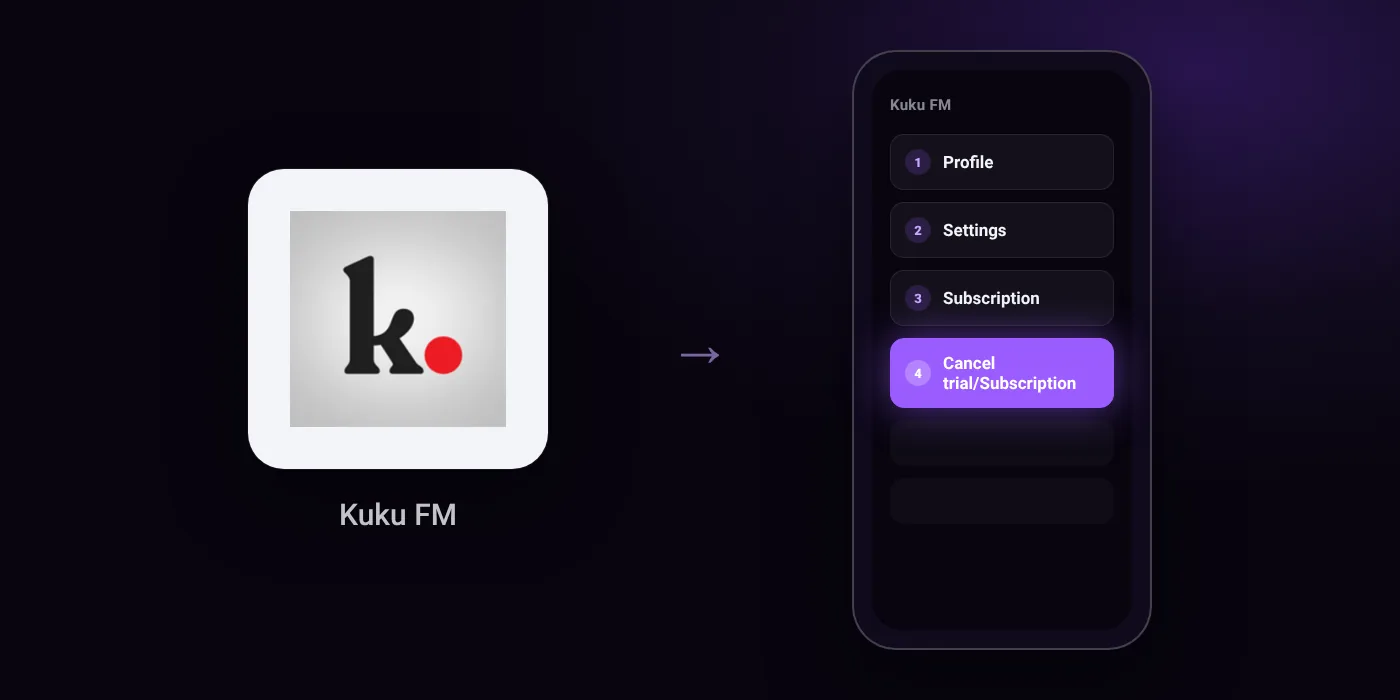
Quick path
- Profile
- Settings
- Subscription
- Cancel trial/Subscription
Steps to cancel Kuku FM
- Go to Profile in the Kuku FM app.
- Open Settings.
- Select Subscription.
- Tap Cancel trial/Subscription and follow the instructions.
In the app
Profile → Settings → Subscription → Cancel trial/Subscription
Before you cancel
- Refunds: Purchases are generally final and non-refundable. If approved under exceptional cases (such as duplicate charges or technical failure), refunds are processed to the original payment method within 5–7 working days.
- Free trial: If you do not cancel before the trial period ends, your subscription will automatically convert to a paid plan. If you cancel during a trial period, your access ends immediately upon cancellation.
- Auto-pay mandates must be cancelled directly via your bank or payment method facilitator, as cancelling the mandate in the banking channel will not automatically terminate a subscription term that has already started.
- If payment fails on two consecutive attempts on eligible plans, Kuku FM may attempt to charge lower renewal amounts for lower-priced subscription tiers until the mandate is cancelled via your payment method.
Paid through UPI AutoPay? Cancel the mandate too
Cancelling Kuku FM ends the membership. If you paid with UPI AutoPay, the mandate that lets Kuku FM debit your account is separate, and it lives in the UPI app you approved it in. Open that app’s AutoPay list and cancel the Kuku FM mandate as well.
- Cancel Kuku FM autopay in PhonePe
- Cancel Kuku FM autopay in Google Pay
- Cancel Kuku FM autopay in Paytm
- Cancel Kuku FM autopay in BHIM
- Cancel Kuku FM autopay in Amazon Pay
Paid by card instead? See how to cancel recurring payments on a card.
On your statement: what ‘UPI AutoPay’ means
Questions people ask
How do I cancel Kuku FM UPI AutoPay?
You must cancel the mandate directly in your bank app or payment facilitator. Cancelling a mandate through your banking channel stops future deductions, but it does not terminate a subscription period that has already begun.
Can I get a refund after cancelling Kuku FM?
Purchases are generally final and non-refundable. If an exception is approved for duplicate charges or technical failure, the refund is processed to your original payment method within 5 to 7 working days.
What happens if I cancel during the free trial?
Your access ends immediately once you cancel during a trial. If you do not cancel before the trial ends, your plan automatically converts into a paid subscription.
Will Kuku FM charge me again if my renewal payment fails?
Yes, it may. If payment fails on two consecutive attempts on eligible plans, Kuku FM may attempt to charge lower renewal amounts for lower-priced tiers until you cancel the mandate in your payment method.
Does deleting the Kuku FM app stop autopay?
Deleting the app does not cancel your subscription or your mandate. You must cancel the plan through Profile, Settings, Subscription in the app and remove the autopay mandate in your bank or payment app.
Last checked on against kukufm.com (official), kukufm.com (official). Apps change their menus; if a step looks different, the option is usually nearby.