How to cancel UPI AutoPay in Paytm
To cancel or stop UPI AutoPay in Paytm, open your profile icon, go to UPI & Payment Settings, select Automatic Payments, choose the mandate, and tap Cancel Automatic Payment. Enter your 4-digit UPI PIN to confirm.
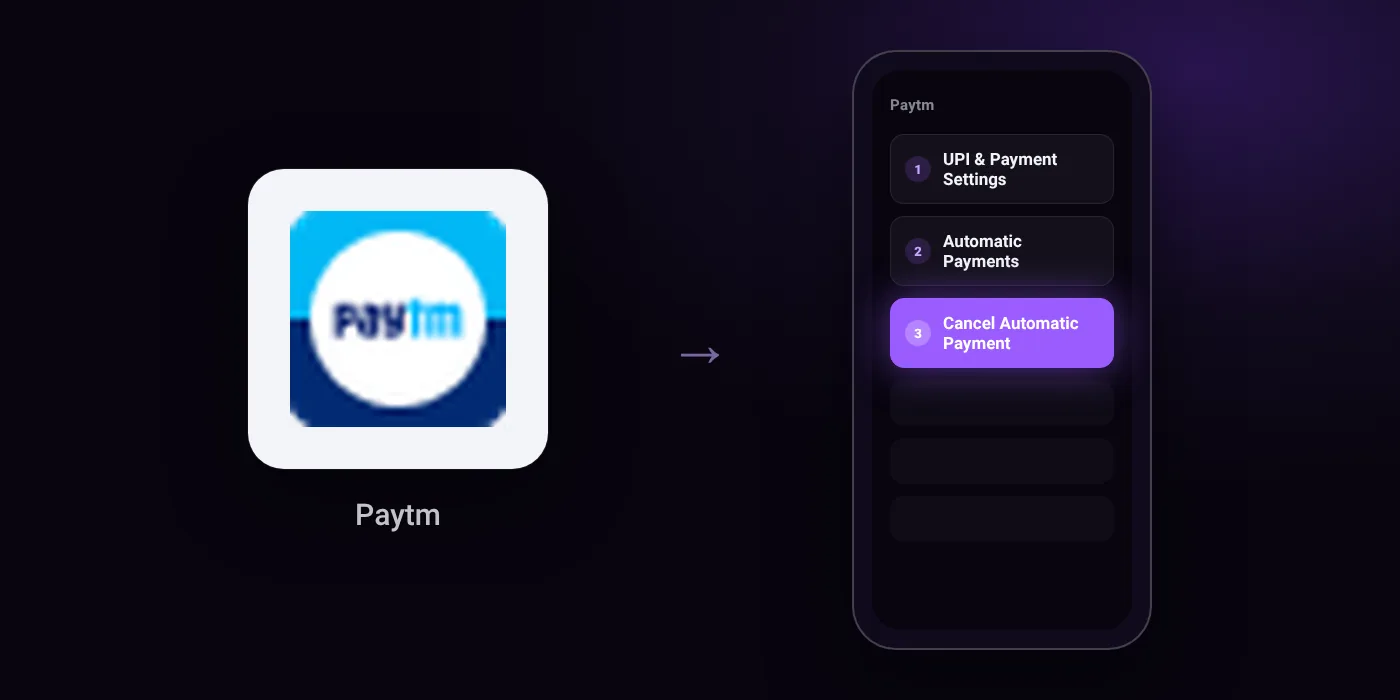
Quick path
- UPI & Payment Settings
- Automatic Payments
- Cancel Automatic Payment
Steps to cancel UPI AutoPay in Paytm
- Open the Paytm app and tap your profile icon from the top left corner.
- Scroll down and select UPI & Payment Settings from the menu.
- Tap on Automatic Payments under the UPI Settings section.
- Open the active autopay subscription you want to cancel from the Automatic Payments page.
- Tap Cancel Automatic Payment from the subscription details screen.
- Enter your 4-digit UPI PIN and tap Submit to confirm the cancellation.
In the app
Balance & History → Automatic Payments
Before you cancel
- Refunds: Cancelling a mandate only prevents future debits; payments that have already been executed are not automatically refunded.
- Under regulatory rules, UPI AutoPay mandates for debt collection and loan repayments cannot be cancelled inside the UPI app; you must contact the merchant or lender directly.
- If a mandate does not appear in Paytm, it may have been created or authorized in a different UPI application.
- Depending on your Paytm app version, Automatic Payments may alternatively be accessed via 'Balance & History' and may be labeled as 'UPI AutoPay' or 'Mandates'.
Cancelling the mandate does not cancel the membership
Cancelling an AutoPay mandate in Paytm stops future debits. The membership itself may stay active until its current period ends, and some services ask you to pay another way at renewal. To end the service as well, cancel it with the provider:
On your statement: what ‘UPI AutoPay’ means · what ‘PAYTM’ means
Questions people ask
Will I get a refund after I cancel autopay in Paytm?
No. Cancelling a mandate only prevents future debits from your account. Payments that have already been executed are not automatically refunded.
Why can I not cancel autopay for a loan or EMI mandate?
Regulatory rules prohibit cancelling debt collection and loan repayment mandates inside UPI apps. You must contact your lender or merchant directly to stop those debits.
Why is the cancel option or mandate not showing in Paytm?
The mandate may have been authorized in another UPI app rather than Paytm. You can also check under Balance & History, where it may be listed as UPI AutoPay or Mandates depending on your app version.
Can I pause Paytm automatic payments instead of cancelling?
Yes. You can pause the mandate and choose a date for it to resume. No debits will occur during the pause window.
Will I be charged again after cancelling automatic payment?
No future debits will occur once the mandate is successfully cancelled with your UPI PIN. If an amount was already processed right before cancellation, it will not be reversed by Paytm.
Last checked on against oxigenwallet.com, hdfc.bank.in, saveiy.com. Apps change their menus; if a step looks different, the option is usually nearby.