How to cancel Microsoft 365
To cancel your Microsoft 365 subscription, sign in to your Microsoft account services page, select Cancel subscription, and confirm your choice. If you purchased through an app store or third-party retailer, you must cancel directly through them.
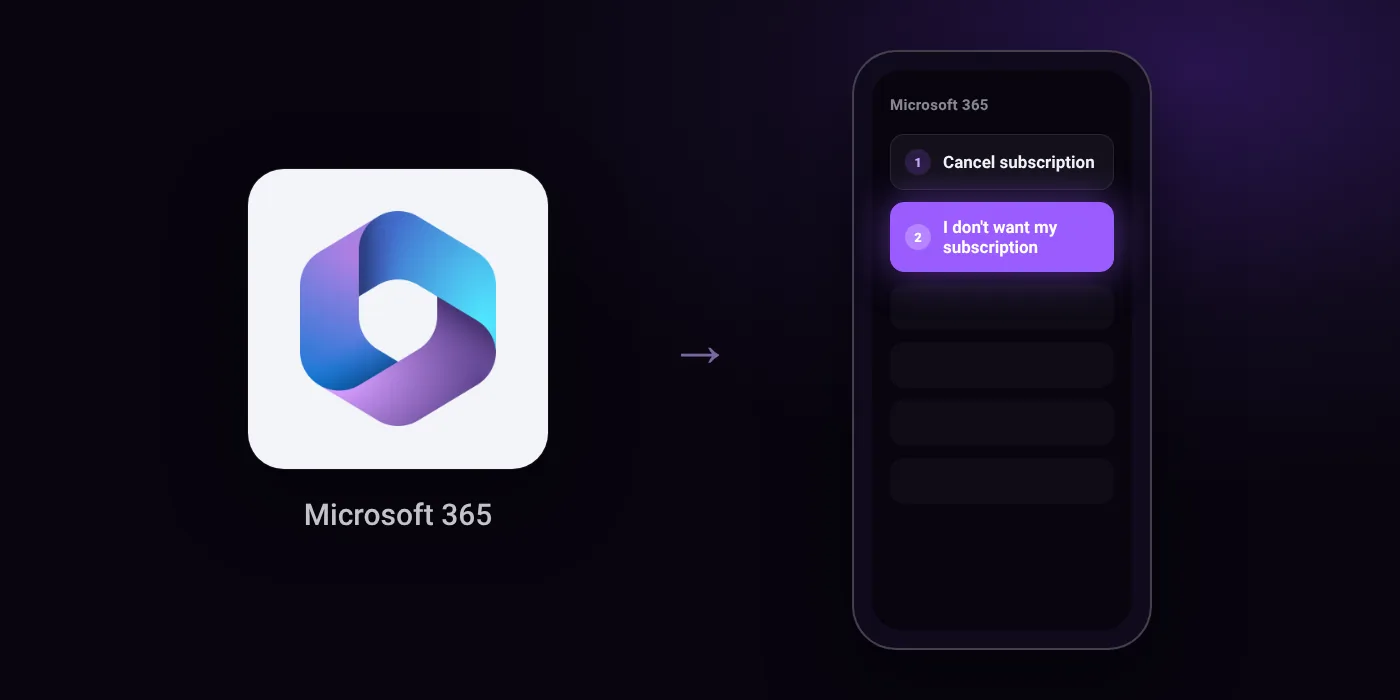
Quick path
- Cancel subscription
- I don't want my subscription
Steps to cancel Microsoft 365
- Go to account.microsoft.com/services/microsoft365 and sign in with the Microsoft account used to purchase your subscription.
- Select Cancel subscription (or Upgrade or Cancel).
- Review the information in the Please review section at the top of the page.
- Scroll to the bottom and select I don't want my subscription to confirm cancellation.
Before you cancel
- Refunds: Not all cancellations result in a refund. To check refund eligibility for a Microsoft 365 subscription purchased from Microsoft, you must cancel it first.
- If purchased through Google Play or Apple App Store, you must contact their customer support for cancellation or refunds.
- If purchased from a third-party retailer such as Amazon or Harvey Norman, you must contact them directly to manage subscription and billing.
- If you see a link that says Turn on recurring billing instead of Cancel subscription, the subscription is already set to expire on the date shown and won't be charged again.
Paid through UPI AutoPay? Cancel the mandate too
Cancelling Microsoft 365 ends the membership. If you paid with UPI AutoPay, the mandate that lets Microsoft 365 debit your account is separate, and it lives in the UPI app you approved it in. Open that app’s AutoPay list and cancel the Microsoft 365 mandate as well.
- Cancel Microsoft 365 autopay in PhonePe
- Cancel Microsoft 365 autopay in Google Pay
- Cancel Microsoft 365 autopay in Paytm
- Cancel Microsoft 365 autopay in BHIM
- Cancel Microsoft 365 autopay in Amazon Pay
Paid by card instead? See how to cancel recurring payments on a card.
Questions people ask
how to cancel microsoft 365 subscription and get refund
You must cancel the subscription first to check if you are eligible for a refund. Not all cancellations result in a refund. If you purchased the plan through an app store or an external retailer, you will need to request refunds through them.
will i be charged again after cancelling microsoft 365
You will not be billed again once recurring billing is stopped. If you see an option to turn on recurring billing instead of a cancel button, your subscription is already set to end on the date shown.
how to cancel microsoft 365 subscription bought on google play or apple
You must contact customer support for Google Play or the Apple App Store directly. Microsoft does not handle cancellations or refunds for purchases made through those platforms.
what if i bought microsoft 365 from amazon
You must contact the retailer directly to manage your billing and cancellation. Subscriptions bought through third-party retailers cannot be cancelled from your Microsoft account.
do i need to remove the upi autopay mandate in my bank app
Cancelling the plan on the website and cancelling the payment instruction can be separate steps. Check your bank app or UPI app to ensure the active mandate for recurring charges is revoked.
Last checked on against support.microsoft.com (official). Apps change their menus; if a step looks different, the option is usually nearby.