How to cancel SonyLIV subscription and autopay
To cancel your SonyLIV subscription, go to My Account, select My Purchases, and click Cancel. If you subscribed through Google Play Store, Apple iTunes Store, or Amazon, you must cancel directly on that platform.
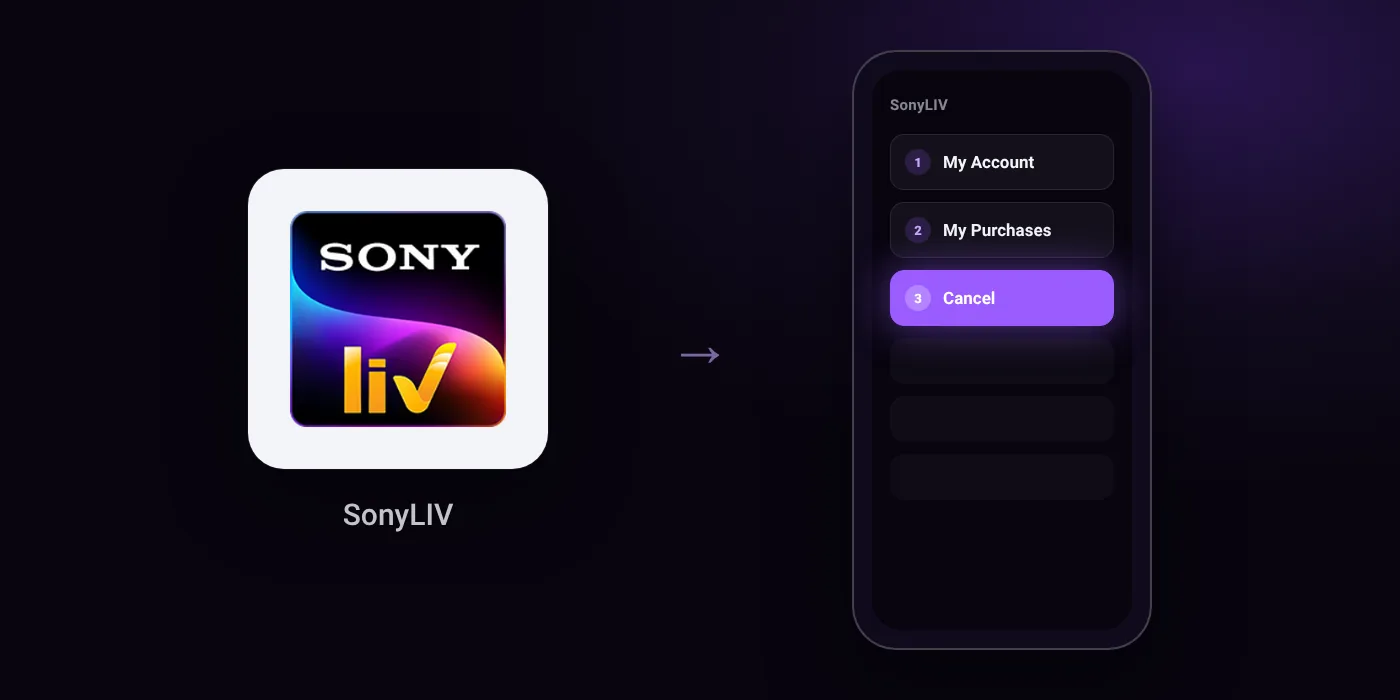
Quick path
- My Account
- My Purchases
- Cancel
Steps to cancel SonyLIV
- Go to the "My Account" section.
- Select "My Purchases".
- Click "Cancel" to unsubscribe.
In the app
My Account > My Purchases > Cancel
Before you cancel
- If purchased using any other payment method, you are charged only once and the subscription expires automatically when the pack ends.
- Subscriptions purchased through Google Play Store, Apple iTunes Store, or Amazon must be cancelled directly through those platforms.
Paid through UPI AutoPay? Cancel the mandate too
Cancelling SonyLIV ends the membership. If you paid with UPI AutoPay, the mandate that lets SonyLIV debit your account is separate, and it lives in the UPI app you approved it in. Open that app’s AutoPay list and cancel the SonyLIV mandate as well.
- Cancel SonyLIV autopay in PhonePe
- Cancel SonyLIV autopay in Google Pay
- Cancel SonyLIV autopay in Paytm
- Cancel SonyLIV autopay in BHIM
- Cancel SonyLIV autopay in Amazon Pay
Paid by card instead? See how to cancel recurring payments on a card.
Questions people ask
How do I cancel SonyLIV autopay?
Cancel the renewal under My Purchases in your SonyLIV account. If you set up a mandate via UPI AutoPay, you can also view and remove the active mandate inside your UPI app or bank app.
How do I cancel my SonyLIV subscription on Android or iPhone?
If you bought the plan through Google Play Store or Apple iTunes Store, you must cancel it inside that platform's subscription settings. The cancel option in the SonyLIV app will not manage store-billed plans.
Can I cancel my SonyLIV subscription and get a refund?
SonyLIV allows you to cancel future renewals, but it does not provide refunds for time already paid. If you were billed through Amazon, Google, or Apple, check that platform's purchase history for refund policies.
Will I be charged again after my SonyLIV plan ends?
If you paid using a one-time method, you are charged only once and the pack expires on its own. For recurring payments, clicking Cancel under My Purchases stops future renewals.
Does deleting the SonyLIV app cancel the subscription?
Deleting the app does not cancel your membership or stop payments. You must go to My Purchases in your account or check your app store subscriptions to cancel it properly.
Last checked on against helpdev.sonyliv.com (official). Apps change their menus; if a step looks different, the option is usually nearby.