How to cancel UPI AutoPay in Amazon Pay
To cancel or turn off UPI AutoPay in Amazon Pay, go to Your Account, open Your Payments under Digital Payment Settings, and select Manage Auto Payments. Choose the auto-debit method to delete or disable, verify the removal, and save.
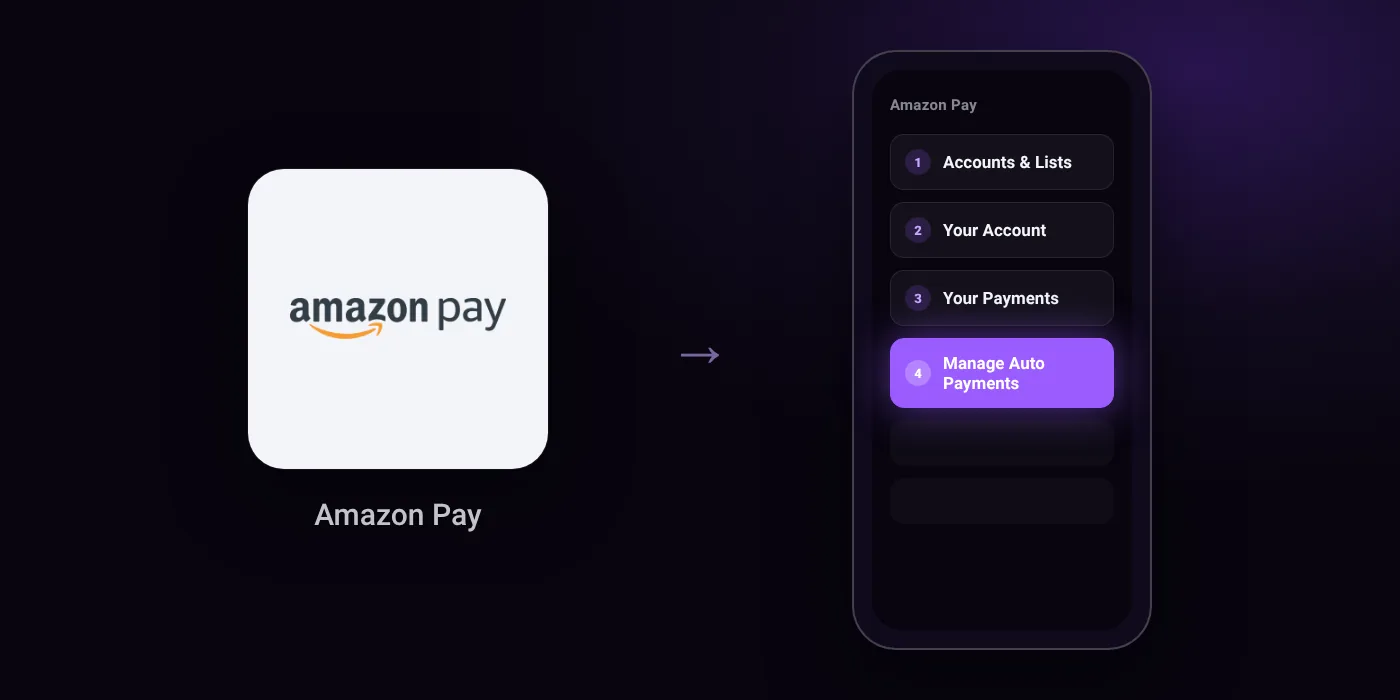
Quick path
- Accounts & Lists
- Your Account
- Your Payments
- Manage Auto Payments
Steps to cancel UPI AutoPay in Amazon Pay
- Access your Amazon India account using your login information.
- Navigate to Accounts & Lists and click Your Account.
- Click Your Payments under the Digital Payment Settings section.
- Locate and click on the Manage Auto Payments section.
- Choose whether to change or delete the auto-debit payment method you want to stop.
- Disable auto-pay if changing the payment method, or verify the removal if deleting.
- Save your changes.
Before you cancel
- Refunds: Revoking a mandate stops future debits but does not automatically refund a completed charge; refunds depend on the merchant's policy.
- Free trial: UPI AutoPay debits may occur automatically when a free trial ends or a subscription renews earlier than expected.
- Cancelling a subscription with the merchant may not revoke the payment mandate in your UPI app, and revoking the mandate does not automatically refund previous charges.
- To ensure complete discontinuance, inform your bank to discontinue the Amazon auto-debit payment.
- Do not approve a collect request or enter your UPI PIN to cancel AutoPay or receive a refund.
Cancelling the mandate does not cancel the membership
Cancelling an AutoPay mandate in Amazon Pay stops future debits. The membership itself may stay active until its current period ends, and some services ask you to pay another way at renewal. To end the service as well, cancel it with the provider:
- Cancel JioHotstar autopay in Amazon Pay
- Cancel Netflix autopay in Amazon Pay
- Cancel Amazon Prime autopay in Amazon Pay
- Cancel ZEE5 autopay in Amazon Pay
- Cancel YouTube Premium autopay in Amazon Pay
- Cancel Spotify Premium autopay in Amazon Pay
- Cancel Apple Music and Apple One autopay in Amazon Pay
- Cancel Audible autopay in Amazon Pay
On your statement: what ‘UPI AutoPay’ means
Questions people ask
Will cancelling Amazon Pay AutoPay refund my money?
No. Revoking a mandate stops future debits but does not automatically refund a completed charge. Refunds depend strictly on the merchant's policy, and you should never enter your UPI PIN or approve a collect request to receive one.
Why was I charged by Amazon Pay AutoPay after a free trial?
UPI AutoPay debits happen automatically when a free trial ends or when a subscription renews earlier than expected. Cancelling the subscription with the merchant does not always revoke the payment mandate in your UPI app.
Can I pause an Amazon Pay mandate instead of revoking it?
Yes. You can pause the mandate to temporarily halt eligible future debits until you resume it, rather than permanently revoking the payment setup.
How do I make sure Amazon AutoPay is completely stopped?
Inform your bank to discontinue the Amazon auto-debit payment to ensure complete discontinuance. Cancelling on the merchant site alone may leave the mandate active in your bank app or UPI app.
Do I need to enter my UPI PIN to cancel Amazon AutoPay?
No. You do not need to enter your UPI PIN or approve any collect request to cancel AutoPay or to receive a refund. You only verify the removal under Manage Auto Payments and save your changes.
Last checked on against gizmotimes.com, nobroker.in. Apps change their menus; if a step looks different, the option is usually nearby.