How to cancel UPI AutoPay in Google Pay
To cancel UPI AutoPay in Google Pay, tap your profile picture, select Autopay, open the mandate under the Live tab, and select Cancel autopay. Enter your UPI PIN to confirm and stop future deductions.
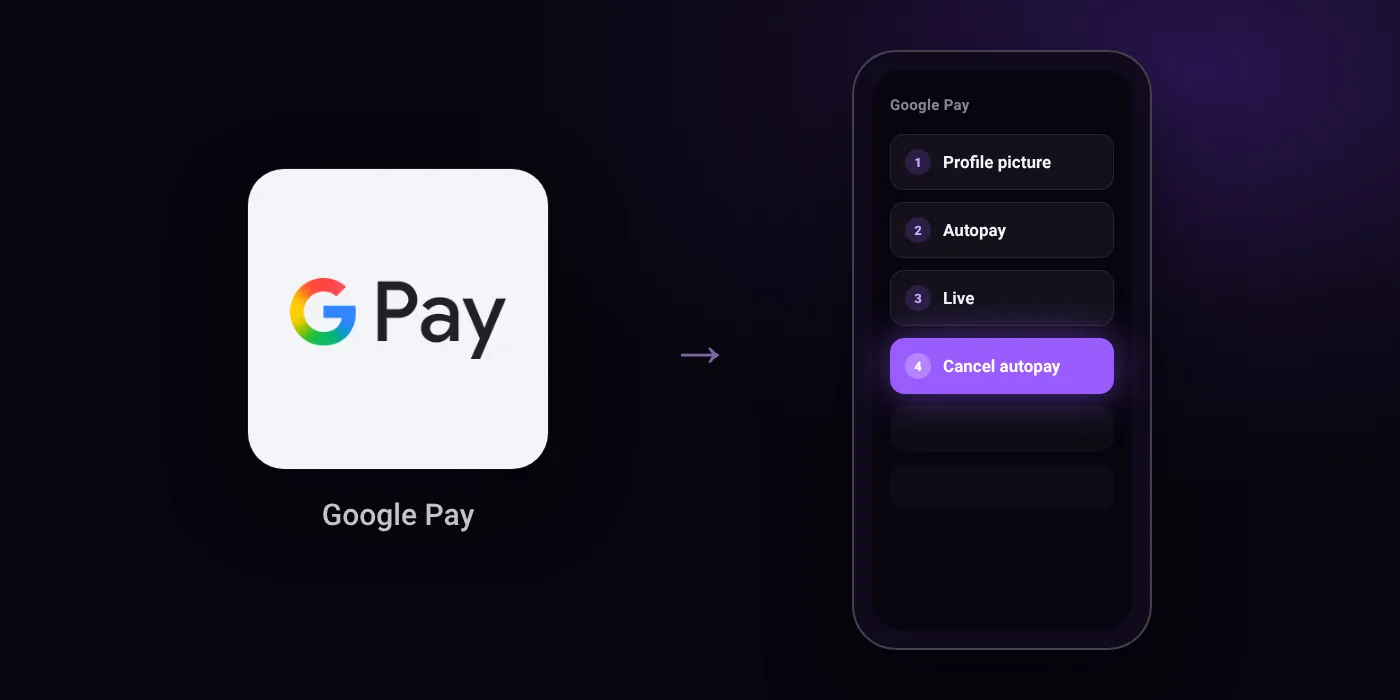
Quick path
- Profile picture
- Autopay
- Live
- Cancel autopay
Steps to cancel UPI AutoPay in Google Pay
- On your mobile device, open the Google Pay app.
- At the top right, tap your Profile picture.
- Select Autopay.
- In the “Live” tab, tap the mandate you want to change.
- Select “Cancel autopay”.
- Enter your UPI PIN.
- Check the status in the “Live” tab to confirm that the mandate is canceled.
In the app
Profile picture > Autopay > Live > [Mandate] > Cancel autopay
Before you cancel
- If you set up an Autopay mandate for a loan, you cannot cancel it through Google Pay and must contact your merchant.
- The bank account linked to the mandate must be active to cancel; if it is inactive, you must reactivate it first.
- If the Autopay section is missing in Google Pay, check for and install the latest app update in Google Play.
Cancelling the mandate does not cancel the membership
Cancelling an AutoPay mandate in Google Pay stops future debits. The membership itself may stay active until its current period ends, and some services ask you to pay another way at renewal. To end the service as well, cancel it with the provider:
- Cancel JioHotstar autopay in Google Pay
- Cancel Netflix autopay in Google Pay
- Cancel Amazon Prime autopay in Google Pay
- Cancel ZEE5 autopay in Google Pay
- Cancel YouTube Premium autopay in Google Pay
- Cancel Spotify Premium autopay in Google Pay
- Cancel Apple Music and Apple One autopay in Google Pay
- Cancel Audible autopay in Google Pay
On your statement: what ‘UPI AutoPay’ means
Questions people ask
Why is the autopay cancel option not showing in Google Pay?
If you set up the mandate for a loan, Google Pay does not let you cancel it in the app. You must contact the merchant directly to stop loan payments.
What should I do if the Autopay option is missing from the app?
Check Google Play and install the latest update for Google Pay. The Autopay section may not appear on older versions of the app.
Can I pause a mandate instead of canceling it completely?
Yes. Select Pause autopay inside the mandate details, enter a start and end date, and confirm with your UPI PIN.
Why is Google Pay not letting me cancel an active mandate?
The bank account linked to the mandate must be active. If your bank account is inactive, you must reactivate it with your bank before Google Pay allows you to cancel.
How do I check if my autopay mandate was actually canceled?
Go to your Profile picture, tap Autopay, and look at the Live tab. Check the mandate status there to confirm that it is canceled.
Last checked on against support.google.com (official). Apps change their menus; if a step looks different, the option is usually nearby.