How to cancel UPI AutoPay in PhonePe
To cancel UPI AutoPay on PhonePe, tap your profile picture, open AutoPay under Payment Settings, select the mandate, and choose Delete AutoPay. Enter your UPI PIN to stop future recurring debits permanently.
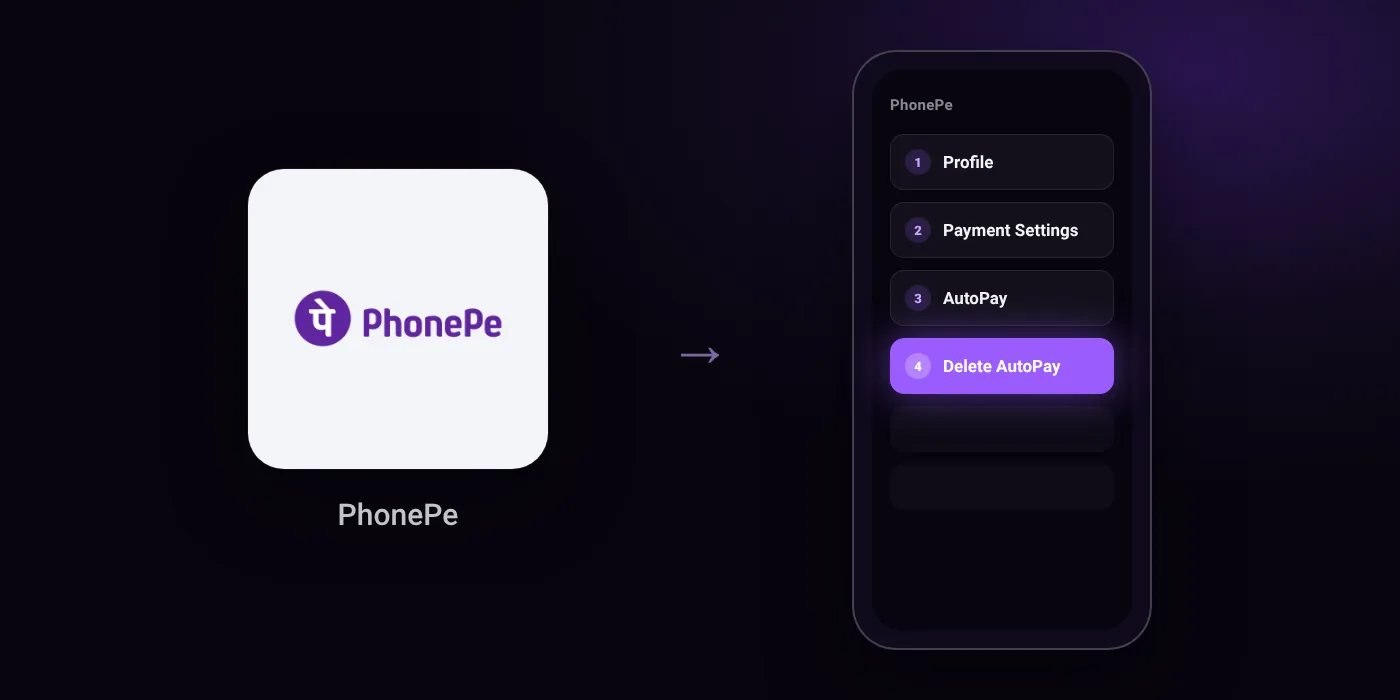
Quick path
- Profile
- Payment Settings
- AutoPay
- Delete AutoPay
Steps to cancel UPI AutoPay in PhonePe
- Open the PhonePe app.
- Tap your profile picture in the top-left corner.
- Under Payment Management or Payment Settings, tap AutoPay.
- Select the AutoPay mandate you want to stop.
- Tap Delete AutoPay (or Cancel / Delete).
- Enter your UPI PIN to confirm.
In the app
Profile > Payment Settings > AutoPay > pick the mandate > Delete AutoPay > confirm with UPI PIN
Before you cancel
- Refunds: Cancelling stops future debits only. PhonePe does not refund completed debits; refunds must be requested directly from the merchant.
- Certain types of mandates can only be revoked or paused if the request originates from the eligible merchant.
- Mandates set up using credit instruments such as a credit card or credit line cannot be manually revoked or deleted by the user once authorized.
- Cancelling AutoPay stops the payment instruction, but does not cancel your subscription with the service provider. You must also cancel inside the provider's app or website.
Cancelling the mandate does not cancel the membership
Cancelling an AutoPay mandate in PhonePe stops future debits. The membership itself may stay active until its current period ends, and some services ask you to pay another way at renewal. To end the service as well, cancel it with the provider:
- Cancel JioHotstar autopay in PhonePe
- Cancel Netflix autopay in PhonePe
- Cancel Amazon Prime autopay in PhonePe
- Cancel ZEE5 autopay in PhonePe
- Cancel YouTube Premium autopay in PhonePe
- Cancel Spotify Premium autopay in PhonePe
- Cancel Apple Music and Apple One autopay in PhonePe
- Cancel Audible autopay in PhonePe
On your statement: what ‘UPI AutoPay’ means
Questions people ask
Why is the cancel or delete option not showing for my AutoPay mandate?
Certain mandates can only be revoked if the cancellation request starts directly with the merchant. Additionally, mandates authorized through credit instruments like a credit card or credit line cannot be manually deleted by you inside PhonePe.
Will cancelling AutoPay in PhonePe refund my money?
No, PhonePe does not refund completed debits when you cancel a mandate. Deleting the mandate only stops future payments, so you must contact the merchant directly to request any refund.
Does cancelling AutoPay also cancel my subscription?
No. Cancelling the mandate removes the payment permission, but your subscription with the service provider remains active until you cancel it inside that provider's app or website.
Can I temporarily stop debits instead of deleting the mandate permanently?
Yes, you can pause recurring mandates for a specific period within the AutoPay settings. Scheduled merchant debits are declined automatically during that window, and you must confirm the pause with your UPI PIN.
Will I be charged again after I delete the mandate?
PhonePe will decline any future debit attempts once the mandate is deleted with your UPI PIN. However, if your contract with the merchant is still active, they may ask for alternative payment methods directly.
Last checked on against phonepe.com (official), startupflora.com, loansjagat.com. Apps change their menus; if a step looks different, the option is usually nearby.