How to cancel Amazon Prime subscription and autopay
You can cancel Amazon Prime under Manage Membership on the website or in the app by selecting End Membership and Benefits. To stop future deductions completely, also cancel or pause the mandate in your UPI or bank app.
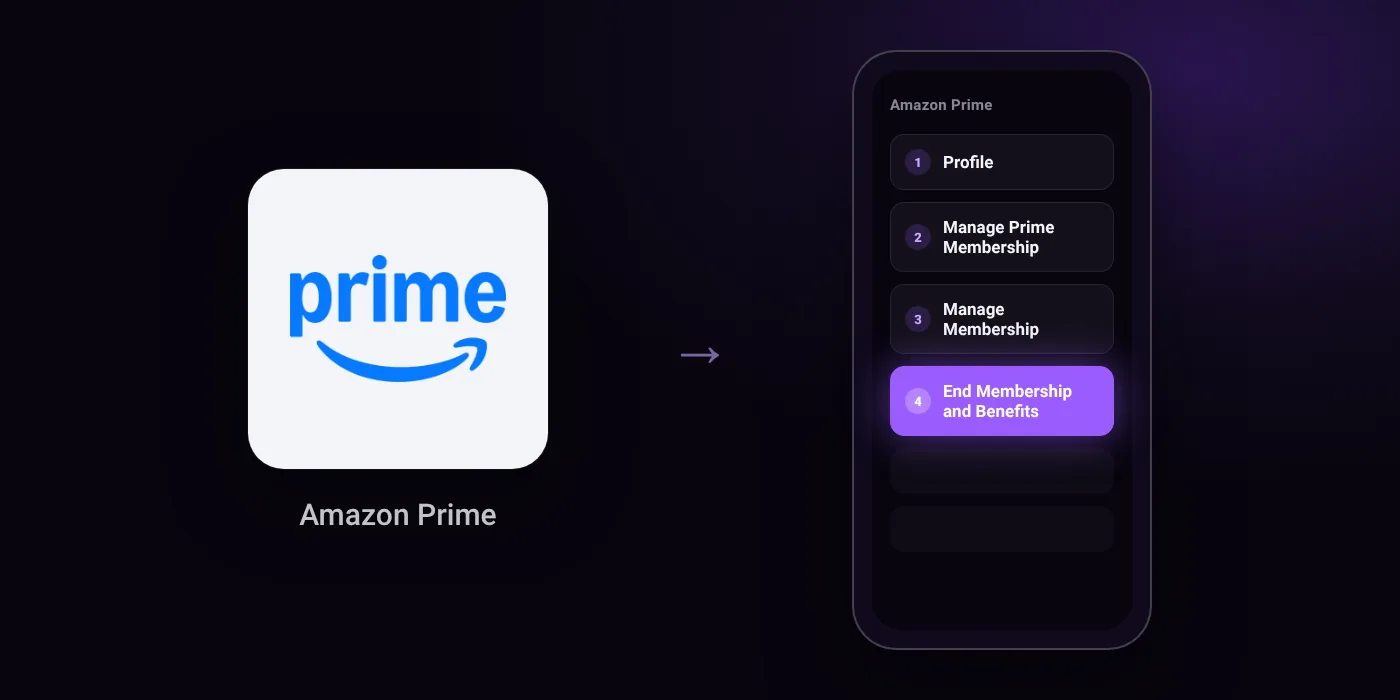
Quick path
- Profile
- Manage Prime Membership
- Manage Membership
- End Membership and Benefits
Steps to cancel Amazon Prime
- Visit amazon.in and log in to your account.
- Hover over Accounts & Lists and click on Prime Membership.
- Click Manage Membership.
- Select End Membership or Update, Cancel and More.
- Click End Membership and Benefits and follow the prompts.
Online
In the app
Profile > Manage Prime Membership > Manage Membership > End Membership and Benefits
Before you cancel
- Refunds: Amazon shows an End Now button during the first three days of Prime membership allowing an immediate refund via credit note (full or partial depending on usage). For paid subscriptions, Amazon may offer a partial refund if no benefits were used since the last charge; otherwise, benefits remain active until the billing cycle ends.
- Free trial: If you cancel during a free trial, you typically lose trial benefits immediately and will not be charged further.
- If both Amazon and your bank have active mandates, cancel on both sides to avoid automatic charges.
- If you purchased Prime from a third-party company, cancellation steps depend on that provider's policies.
- Cancelling Prime terminates all bundled benefits, including Prime Video, Prime Music, and Prime delivery perks.
Paid through UPI AutoPay? Cancel the mandate too
Cancelling Amazon Prime ends the membership. If you paid with UPI AutoPay, the mandate that lets Amazon Prime debit your account is separate, and it lives in the UPI app you approved it in. Open that app’s AutoPay list and cancel the Amazon Prime mandate as well.
- Cancel Amazon Prime autopay in PhonePe
- Cancel Amazon Prime autopay in Google Pay
- Cancel Amazon Prime autopay in Paytm
- Cancel Amazon Prime autopay in BHIM
- Cancel Amazon Prime autopay in Amazon Pay
Paid by card instead? See how to cancel recurring payments on a card.
On your statement: what ‘UPI AutoPay’ means
Questions people ask
How to cancel Amazon Prime membership and get a refund?
Amazon shows an End Now button during the first three days of membership, which gives an immediate refund via credit note based on usage. For older paid plans, you may receive a partial refund if you have not used benefits since the last charge, or the plan simply remains active until the billing cycle ends.
How to cancel Amazon Prime autopay?
You can pause or cancel the Amazon Prime mandate directly inside your UPI or bank app. If both Amazon and your bank list active mandates, cancel on both sides to avoid automatic charges.
How to cancel Amazon Prime free trial before being charged?
Go to Manage Membership and choose End Membership and Benefits before the trial ends. You will typically lose trial benefits immediately, and your card or UPI will not be charged.
Why was I charged after cancelling Amazon Prime?
Your UPI AutoPay or card mandate may still be active at the bank level even after ending the plan on Amazon. Open your bank app or UPI app, check your active mandates, and remove or pause the one for Amazon Prime.
Does cancelling Prime delete my Amazon account?
No, your regular Amazon shopping account remains open. Cancelling Prime only ends bundled services, which includes Prime Video, Prime Music, and Prime delivery perks.
How to cancel Amazon Prime membership taken through a third party?
If you purchased Prime through an external telecom or service provider, you must cancel through that provider. The cancellation terms and process follow their specific policies rather than Amazon's.
Last checked on against quora.com, indiafreestuff.in. Apps change their menus; if a step looks different, the option is usually nearby.