How to cancel an Axis Bank e-mandate (NACH/ECS)
You can cancel an Axis Bank NACH or e-mandate online through Insta Services under Loan services. Enter your registered mobile number with the country code and authenticate it to stop the recurring debit.
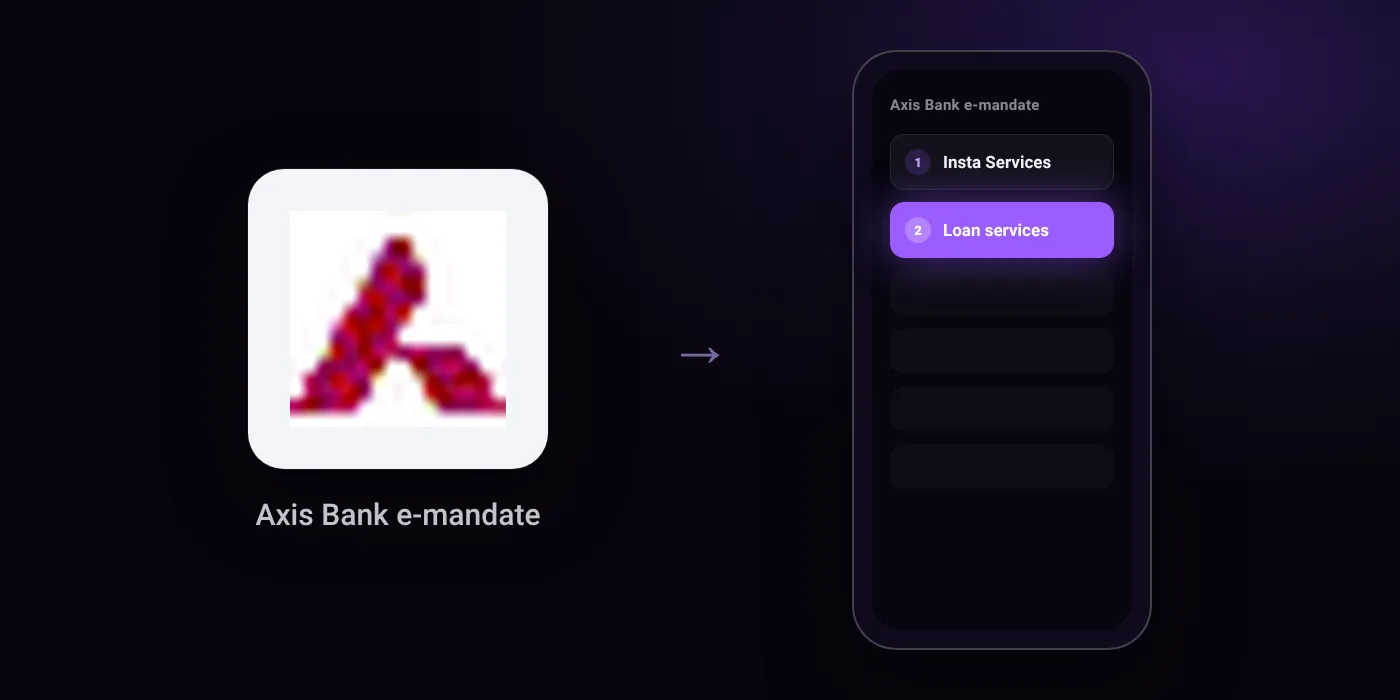
Quick path
- Insta Services
- Loan services
Steps to cancel an Axis Bank e-mandate (NACH/ECS)
- Go to Insta Services and select Loan services, or click Do Now.
- Enter your mobile number registered with the bank along with country code.
- Authenticate your mobile number to process the cancellation request.
Before you cancel
- This cancellation request is applicable only if your loan is already closed or if another repayment mode is already registered.
- If your loan repayment mode is linked to an Axis Bank Savings or Current Account and your loan account is closed, the standing instruction is automatically cancelled; do not raise a SI mandate cancellation request.
- Processing time is stated as 6 days on the support FAQ, but the mandate portal states the request is processed instantly once authenticated.
On your statement: what ‘NACH DR’ means · what ‘ECS’ means · what ‘ACH D-’ means
Questions people ask
Can I cancel my Axis Bank mandate if my loan is still running?
You can only cancel the mandate if your loan is already closed or if you have registered another repayment mode. The cancellation request is not applicable without meeting one of these conditions.
How long does Axis Bank take to cancel a NACH mandate?
The mandate portal states the cancellation is processed instantly once your mobile number is authenticated. The Axis Bank support FAQ lists the processing time as six days.
Do I need to cancel the standing instruction if my loan is closed?
No, not if the repayment was linked to an Axis Bank savings or current account. In that case, the standing instruction is cancelled automatically once the loan account closes.
Does deleting the Axis Bank app cancel autopay?
No. Removing the bank app from your phone does not cancel an active NACH mandate. You need to complete the cancellation request under Insta Services and authenticate it.
Will I be debited again after cancelling the mandate?
Debits stop once the cancellation is authenticated, provided your loan is closed or another repayment method is in place. Check your bank app statement around the usual debit date to confirm.
Last checked on against application.axis.bank.in (official), application.axis.bank.in (official), application.axis.bank.in (official). Apps change their menus; if a step looks different, the option is usually nearby.