How to cancel standing instructions on an HDFC Bank card
To cancel an e-mandate on an HDFC Bank card, log in at the HDFC Bank website and select Merchant Standing Instruction to delete it. You can also cancel or stop recurring payments through your pre-debit notification link.
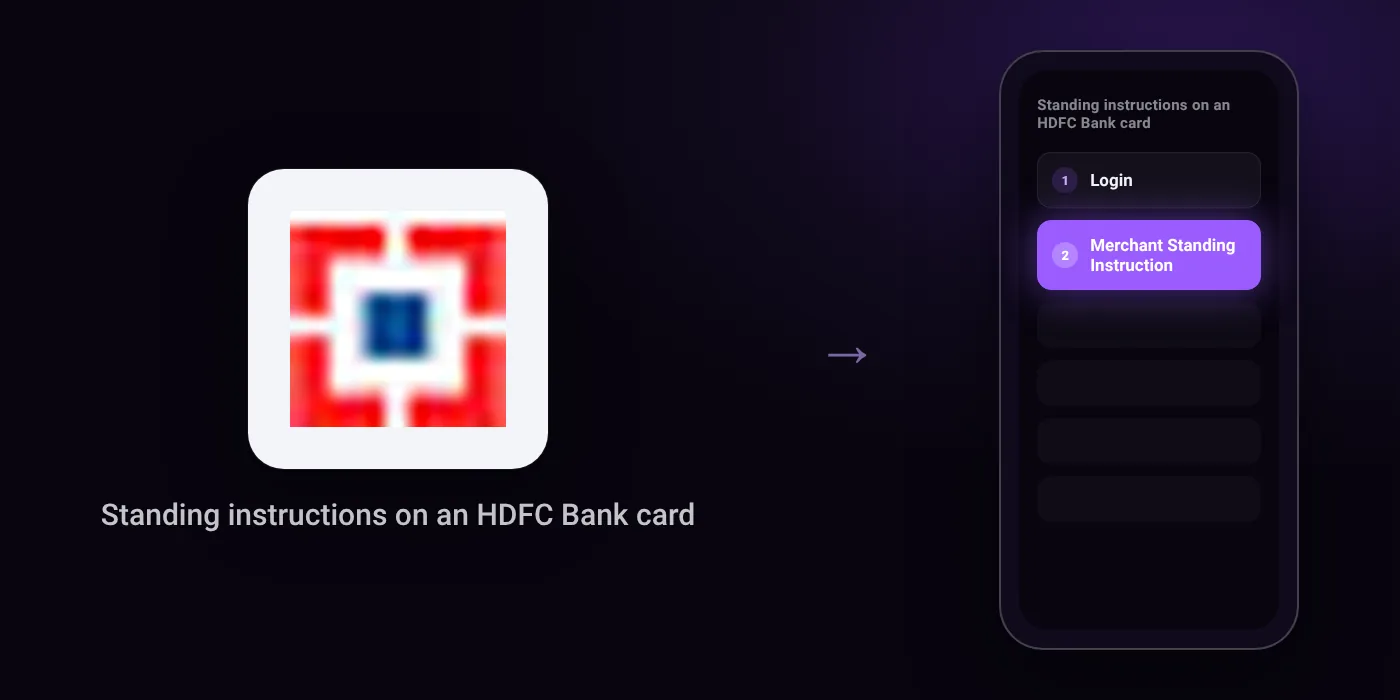
Quick path
- Login
- Merchant Standing Instruction
Steps to cancel standing instructions on an HDFC Bank card
- Go to www.hdfcbank.com.
- Click the Login button.
- Select "Merchant Standing Instruction" to view, modify, or delete your e-mandate.
Before you cancel
- E-mandates registered on a card that is no longer active cannot be cancelled via the SiHub Portal; they must be cancelled directly on the merchant's platform.
- If your card is changed due to closure, renewal, re-issuance, or upgrade, mandates do not automatically transfer to the new card.
On your statement: what ‘UPI AutoPay’ means · what ‘POS’ means
Questions people ask
Where can I view and cancel an HDFC card e-mandate?
Card mandates live with the bank, not just on the merchant site. Log in to the HDFC Bank website and select Merchant Standing Instruction to view, modify, or delete your active mandates.
Can I stop a recurring charge without deleting the mandate?
Yes. You can stop an upcoming recurring payment or cancel the mandate entirely using the link in your pre-debit notification or via the customer portal.
Does cancelling or deleting the merchant app stop the standing instruction?
No, deleting an app or account does not cancel the mandate tied to your card. You must cancel the standing instruction through your bank login or via the pre-debit notification link.
What happens to my mandates if my HDFC card is renewed or upgraded?
Mandates do not transfer automatically to a new card after renewal, closure, re-issuance, or an upgrade. You have to set up the recurring instruction again on the replacement card.
How do I cancel an e-mandate linked to a card that is closed or inactive?
Mandates on inactive cards cannot be cancelled through the bank portal. You must go directly to the merchant platform to remove the recurring payment.
Last checked on against hdfc.bank.in, merchantmandate.hdfc.bank.in. Apps change their menus; if a step looks different, the option is usually nearby.