How to cancel ChatGPT Plus
To cancel ChatGPT Plus, sign in at chatgpt.com, go to Settings, choose Billing, and select Cancel under Cancel plan. If you subscribed through Apple or Google Play, cancel directly through that store instead.
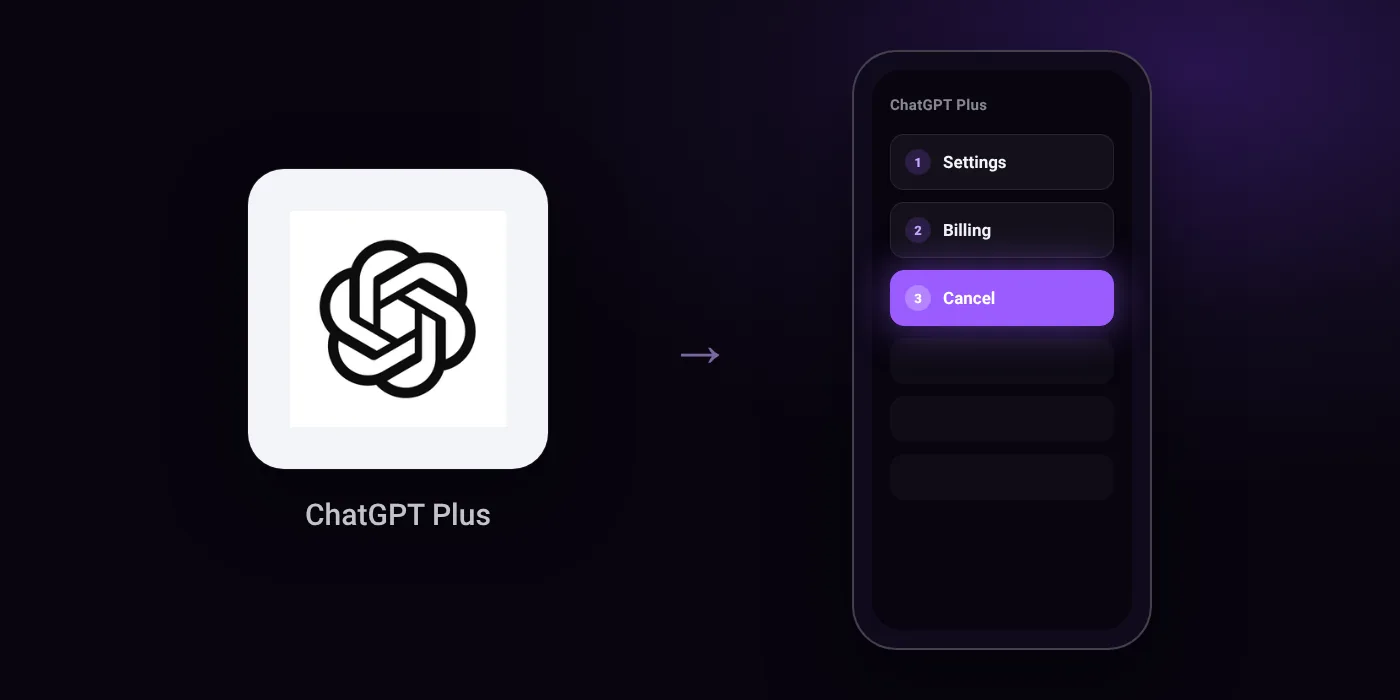
Quick path
- Settings
- Billing
- Cancel
Steps to cancel ChatGPT Plus
- Sign in to ChatGPT at chatgpt.com.
- Open your account menu and select Settings.
- Select Billing.
- Under Cancel plan, select Cancel.
Online
Before you cancel
- Refunds: Canceling stops future renewals but does not provide an automatic refund. Refunds must be requested separately through OpenAI Support, Apple, or Google Play depending on the billing channel.
- Cancel at least 24 hours prior to the next billing date to avoid being charged for the following cycle.
- Uninstalling the ChatGPT app will not cancel your subscription.
- Subscriptions purchased via the Apple App Store or Google Play must be canceled directly through Apple or Google Play.
- Deleting your ChatGPT account will cancel direct ChatGPT web billing, but will not cancel Apple App Store or Google Play subscriptions.
Paid through UPI AutoPay? Cancel the mandate too
Cancelling ChatGPT Plus ends the membership. If you paid with UPI AutoPay, the mandate that lets ChatGPT Plus debit your account is separate, and it lives in the UPI app you approved it in. Open that app’s AutoPay list and cancel the ChatGPT Plus mandate as well.
- Cancel ChatGPT Plus autopay in PhonePe
- Cancel ChatGPT Plus autopay in Google Pay
- Cancel ChatGPT Plus autopay in Paytm
- Cancel ChatGPT Plus autopay in BHIM
- Cancel ChatGPT Plus autopay in Amazon Pay
Paid by card instead? See how to cancel recurring payments on a card.
How ChatGPT Plus shows up on your statement
OPENAIAPPLE.COM/BILLGOOGLE
Questions people ask
Can I get a refund if I cancel my ChatGPT Plus subscription?
Canceling stops future renewals but does not trigger an automatic refund. You must request a refund separately from OpenAI Support, Apple, or Google Play, depending on where you were billed.
Will uninstalling the app or deleting my account cancel the plan?
Uninstalling the ChatGPT app does not cancel your subscription. Deleting your ChatGPT account stops direct web billing, but it will not cancel subscriptions purchased through the Apple App Store or Google Play.
When do I need to cancel to avoid being charged again?
Cancel at least 24 hours before your next billing date. If you pay via recurring payments, check your bank app or app store to ensure the active mandate is also stopped.
How do I cancel ChatGPT Plus subscription on iPhone or Android?
Subscriptions purchased via the Apple App Store or Google Play must be canceled directly within Apple or Google Play. Canceling on the ChatGPT website will not stop store-billed subscriptions.
Can ChatGPT Plus subscription be cancelled anytime?
Yes, you can cancel at any time. Submit your cancellation at least 24 hours prior to the next billing date so you are not charged for the following cycle.
Last checked on against help.openai.com (official). Apps change their menus; if a step looks different, the option is usually nearby.