How to cancel Hinge
To cancel your Hinge subscription, open subscriptions in Google Play or the App Store, select Hinge, and tap Cancel Subscription. Do this at least 24 hours before renewal. Deleting the app does not stop future charges or cancel the mandate.
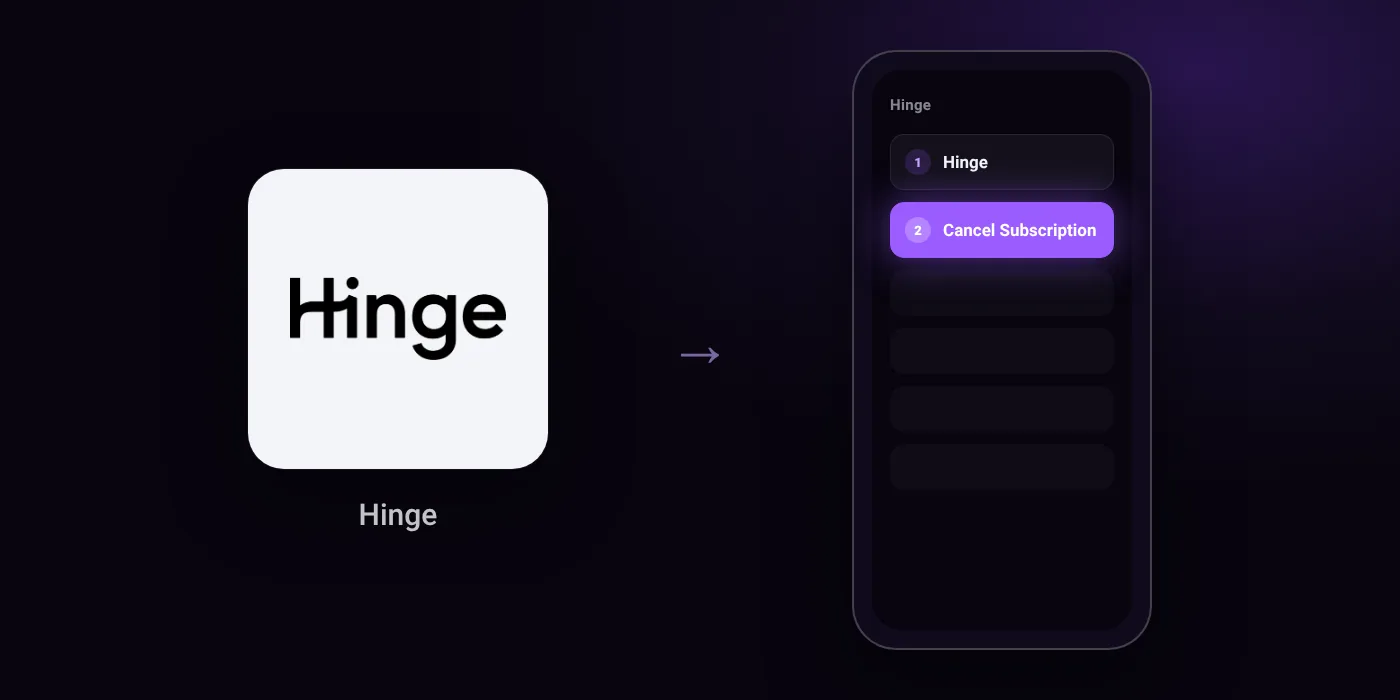
Quick path
- Hinge
- Cancel Subscription
Steps to cancel Hinge
- Open your Subscription page in Google Play or the App Store.
- Tap Hinge.
- Tap Cancel Subscription and follow the instructions.
Before you cancel
- Refunds: If you subscribed via Apple ID, refunds are managed directly by Apple and not Hinge. You can request a refund through your Apple ID account or at getsupport.apple.com.
- Subscriptions must be canceled at least 24 hours before the next billing period to prevent automatic renewal charges.
- Uninstalling the application does not delete your account or cancel your active subscription.
- If you subscribed via Hinge payment (powered by Stripe), deleting your account will immediately cancel your subscription and terminate remaining benefits.
Paid through UPI AutoPay? Cancel the mandate too
Cancelling Hinge ends the membership. If you paid with UPI AutoPay, the mandate that lets Hinge debit your account is separate, and it lives in the UPI app you approved it in. Open that app’s AutoPay list and cancel the Hinge mandate as well.
- Cancel Hinge autopay in PhonePe
- Cancel Hinge autopay in Google Pay
- Cancel Hinge autopay in Paytm
- Cancel Hinge autopay in BHIM
- Cancel Hinge autopay in Amazon Pay
Paid by card instead? See how to cancel recurring payments on a card.
Questions people ask
Does deleting the Hinge app cancel my subscription?
No. Uninstalling the application does not delete your account or cancel your active subscription. You must cancel it manually through Google Play or the App Store.
How do I cancel Hinge subscription and get a refund?
Hinge does not handle refunds if you paid through Apple ID. You must submit a refund request directly through your Apple ID account.
When do I need to cancel to avoid being charged again?
You must cancel at least 24 hours before the next billing period starts. If you wait until the renewal day, the automatic renewal charge will still process.
Does deleting my Hinge account cancel my subscription?
Only if you subscribed through Hinge payment powered by Stripe, which ends your subscription immediately. If you subscribed via Google Play or the App Store, deleting your account does not stop billing, and you must cancel in the store settings.
Why was my UPI AutoPay charged after I cancelled?
Cancelling a membership and stopping the payment mandate can require separate actions. If you set up recurring payments via Google Play, check your active mandates in your bank app or UPI app to ensure the mandate is removed.
Last checked on against help.hinge.co (official), hinge.co (official). Apps change their menus; if a step looks different, the option is usually nearby.