How to cancel UPI AutoPay in BHIM
To cancel or stop UPI AutoPay in the BHIM app, go to Mandates, select the active mandate, and tap Cancel or Revoke Mandate. Enter your MPIN or UPI PIN to confirm.
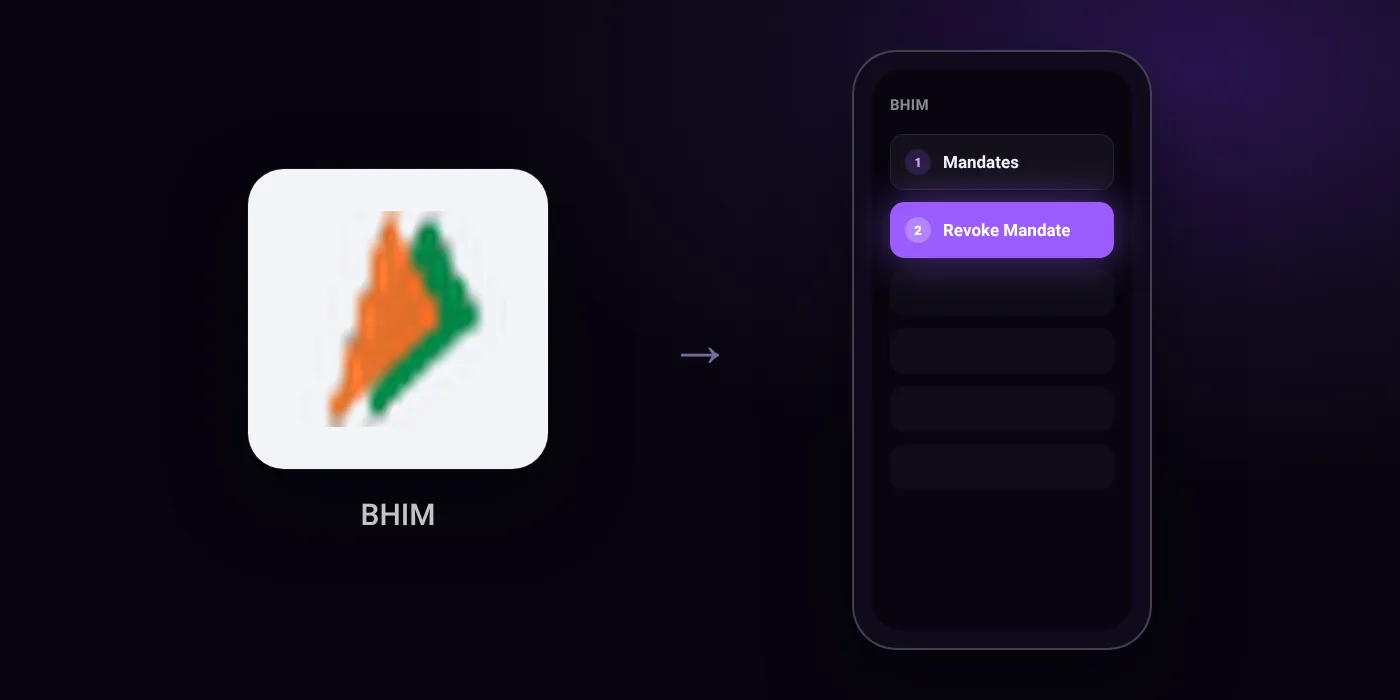
Quick path
- Mandates
- Revoke Mandate
Steps to cancel UPI AutoPay in BHIM
- Open the BHIM app on your smartphone and log in using your MPIN.
- Navigate to the Mandates section under the menu or directly on the home screen.
- View the list of active mandates and select the specific mandate you wish to cancel.
- Tap the Cancel or Revoke Mandate option.
- Confirm the cancellation by entering your MPIN or UPI PIN.
In the app
Home Screen/Menu > Mandates > [Select Mandate] > Cancel / Revoke Mandate
Before you cancel
- Refunds: Canceling a mandate does not refund payments that have already been processed.
- Ensure no payments are due or actively processing under the mandate before canceling to avoid service disruptions or disputes.
- If the BHIM app does not display the mandate, you must contact your bank or payment provider to revoke the authorization.
- Some sources indicate confirming cancellation with your MPIN, while others state UPI PIN.
Cancelling the mandate does not cancel the membership
Cancelling an AutoPay mandate in BHIM stops future debits. The membership itself may stay active until its current period ends, and some services ask you to pay another way at renewal. To end the service as well, cancel it with the provider:
On your statement: what ‘UPI AutoPay’ means
Questions people ask
Can I get a refund after canceling autopay in BHIM?
No. Canceling a mandate stops future debits, but it does not refund payments that have already been processed.
What should I do if the cancel autopay option is not showing in BHIM?
Check your bank app or contact your bank directly. If the BHIM app does not display the mandate, your bank or payment provider must revoke the authorization for you.
Will I be charged again after I revoke the mandate?
No future payments will be collected once the mandate is revoked. Make sure no payment is currently due or actively processing when you cancel, to avoid disputes.
Can I pause my BHIM UPI AutoPay instead of deleting it?
Yes. The BHIM app provides Pause and Unpause options inside the mandate flow if you do not want to cancel it permanently.
Do I need my MPIN or UPI PIN to cancel autopay in BHIM?
Yes. BHIM requires confirmation to revoke the mandate, which is authorized using your MPIN or UPI PIN depending on the prompt.
Last checked on against npci.org.in (official), zetapp.in. Apps change their menus; if a step looks different, the option is usually nearby.